

AWS Account Setup
Use the AWS integration flow when you want to connect an AWS account to KloudMate without instrumenting each workload individually.
Connect Your AWS Account
Section titled “Connect Your AWS Account”- Sign in to KloudMate and choose AWS Integration in the Send Data to KloudMate step.
- Enter a name for the AWS account you want to connect.
- Open the hyperlink shown in step 1 of the KloudMate onboarding flow.
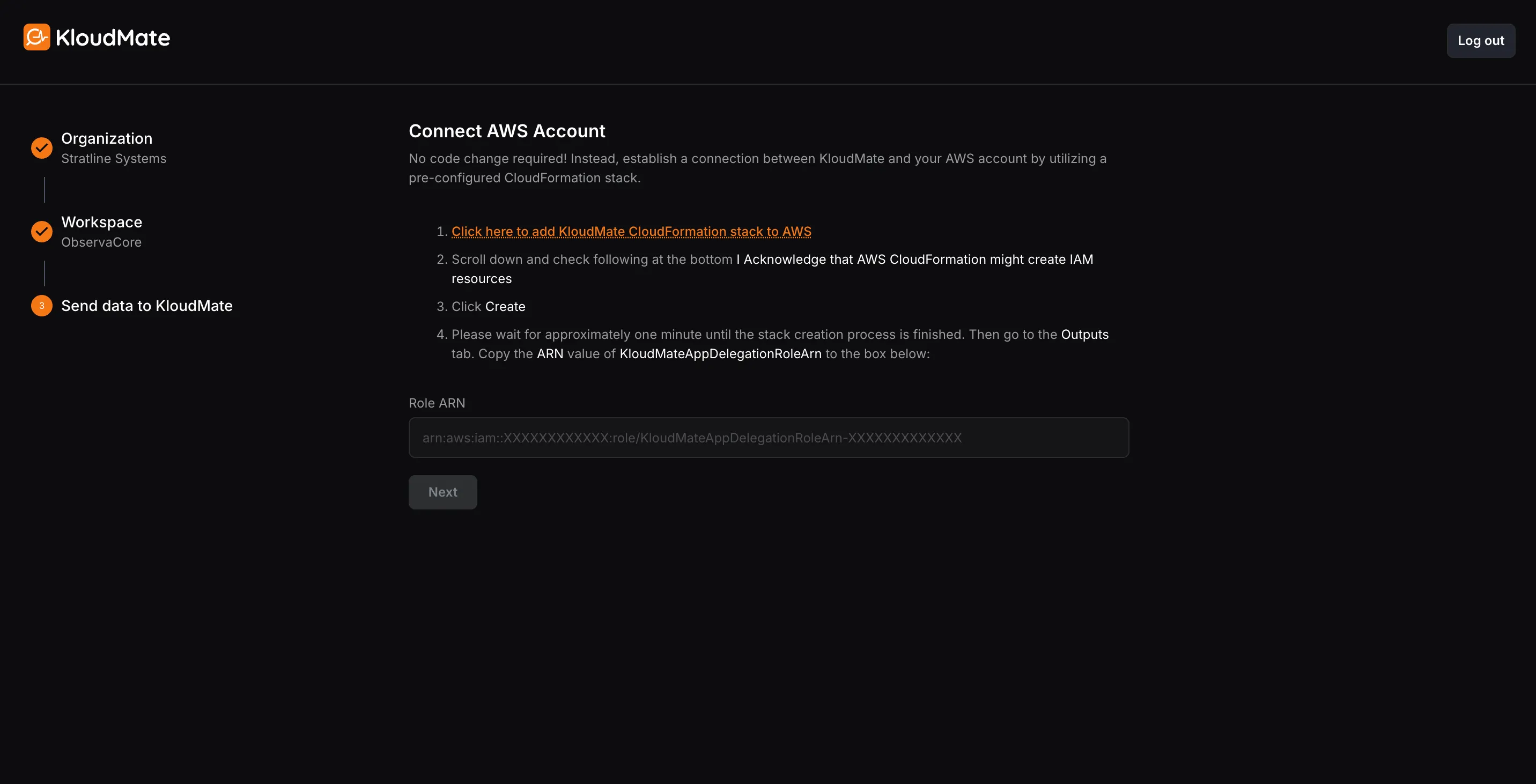
- Sign in to AWS with an administrator account if required.
- Review the generated CloudFormation stack and click Create Stack.
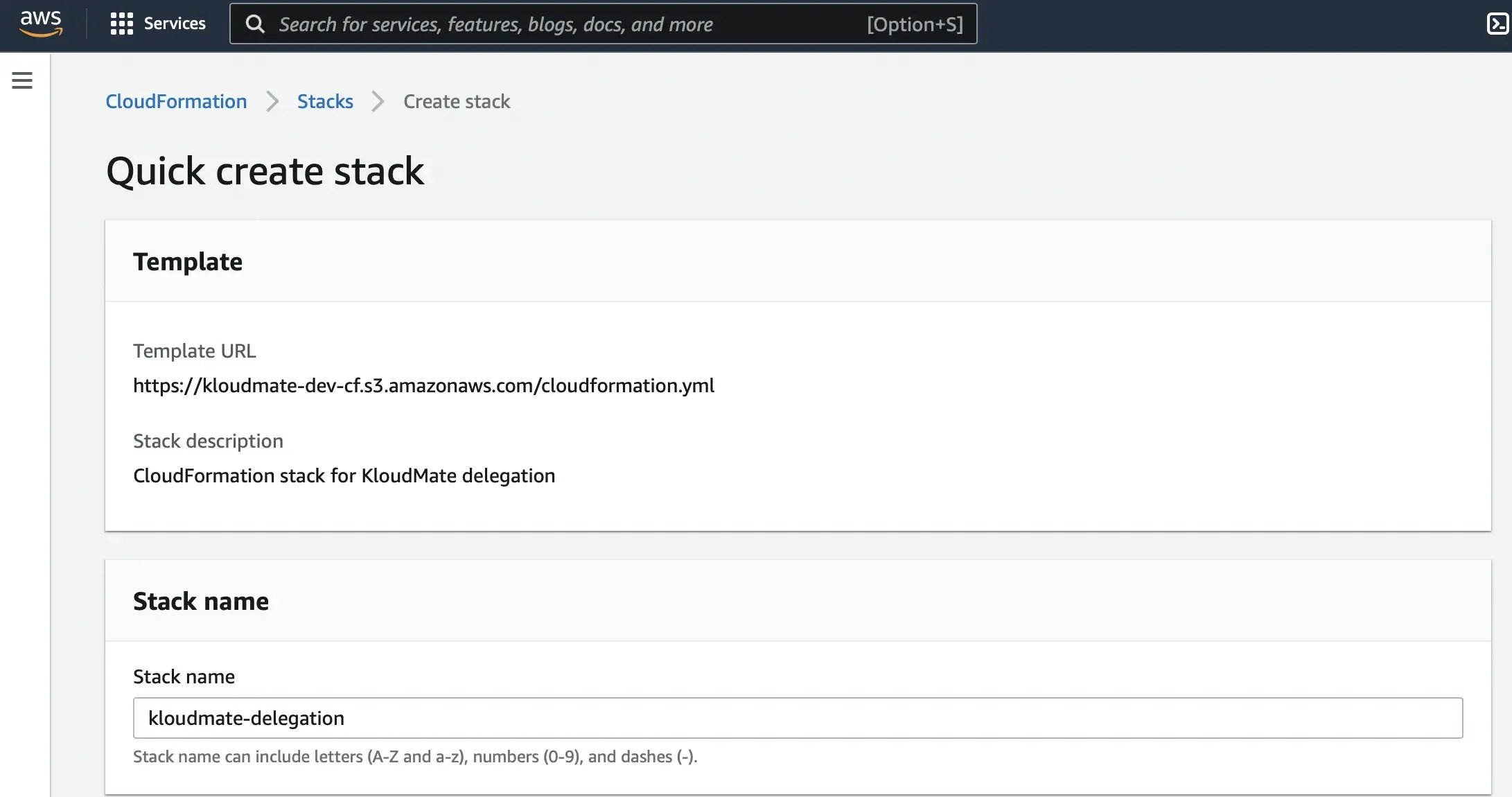
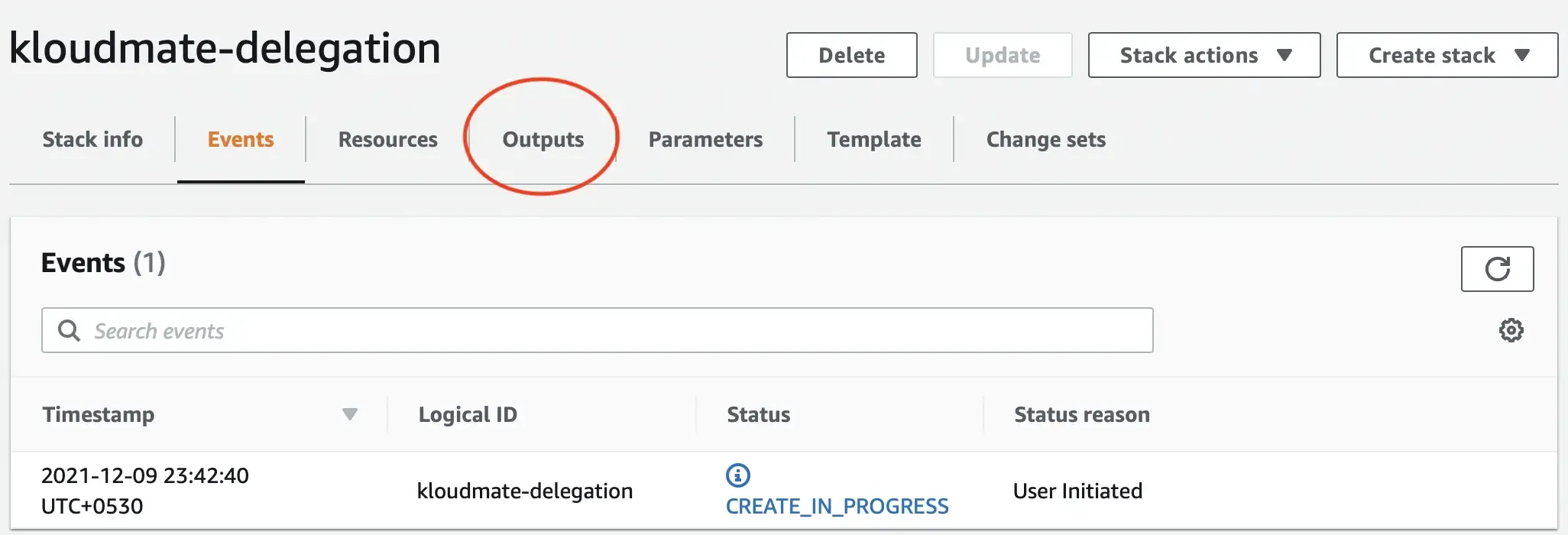
- Wait for the IAM role to be created. This usually takes up to two minutes.
- Open the Outputs tab in CloudFormation and copy the generated ARN Value.
- Paste the ARN into the Role ARN field in KloudMate and click Next.
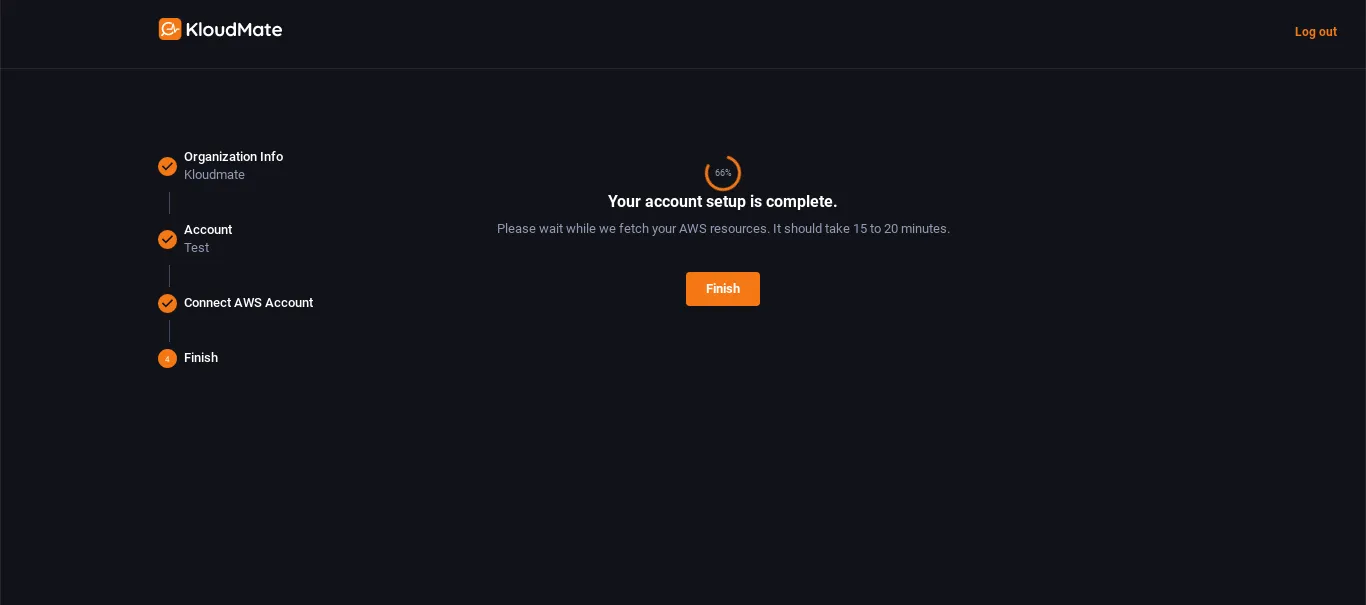
Your AWS account is now connected to KloudMate.