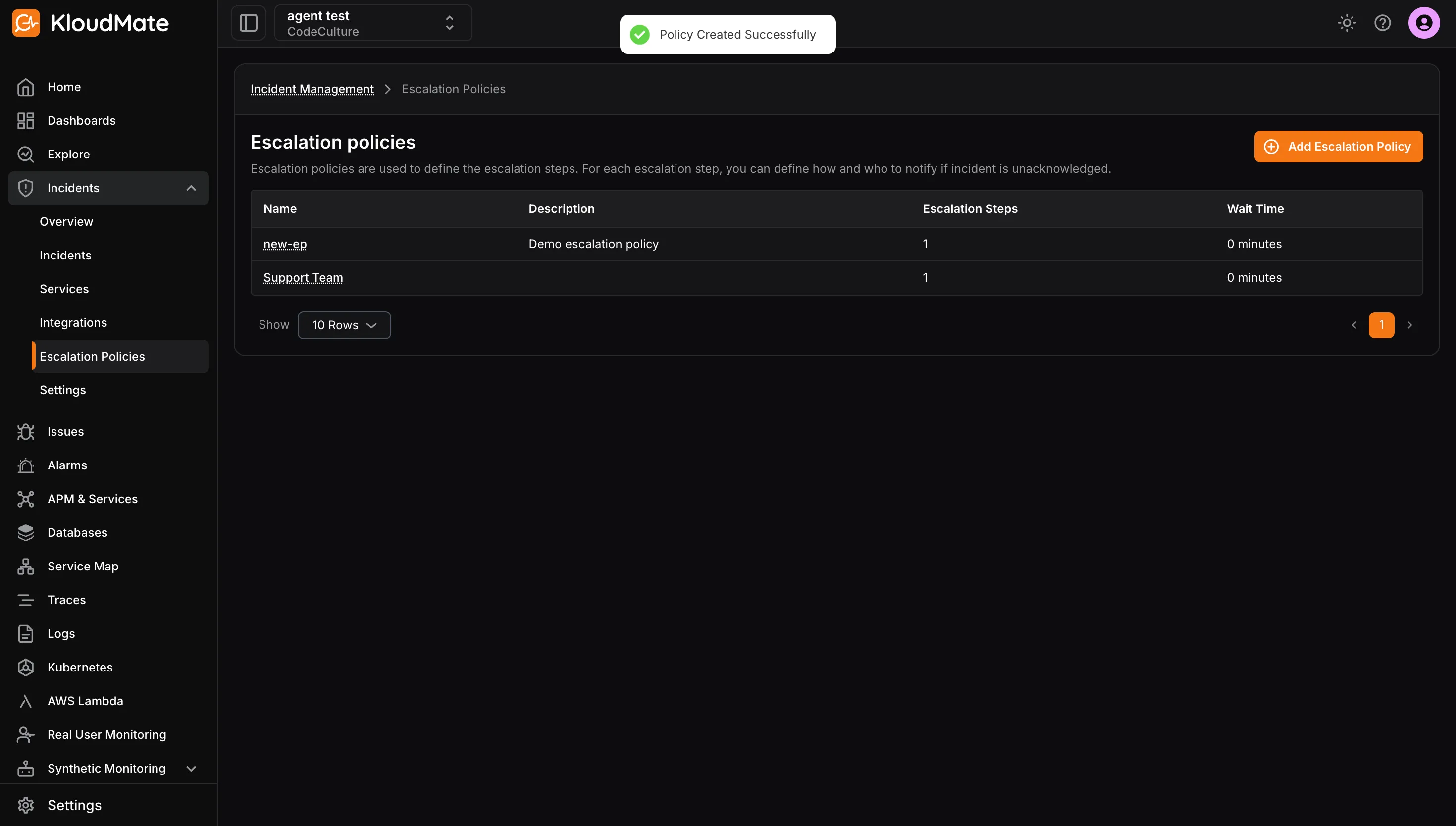
Create an Escalation Policy
Use the steps below to create a new escalation policy.
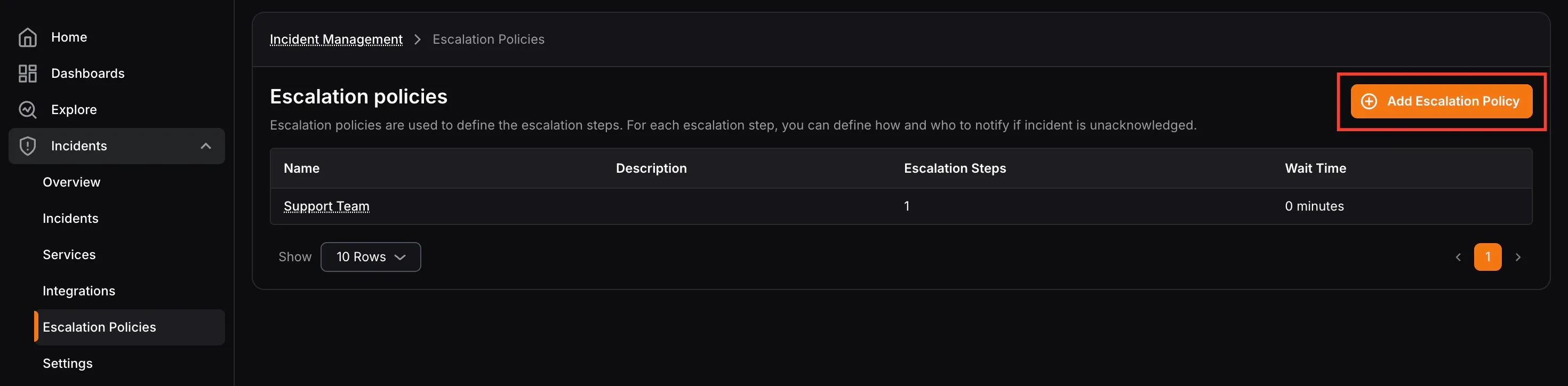
- Click Add Escalation Policy from the escalation policies page.
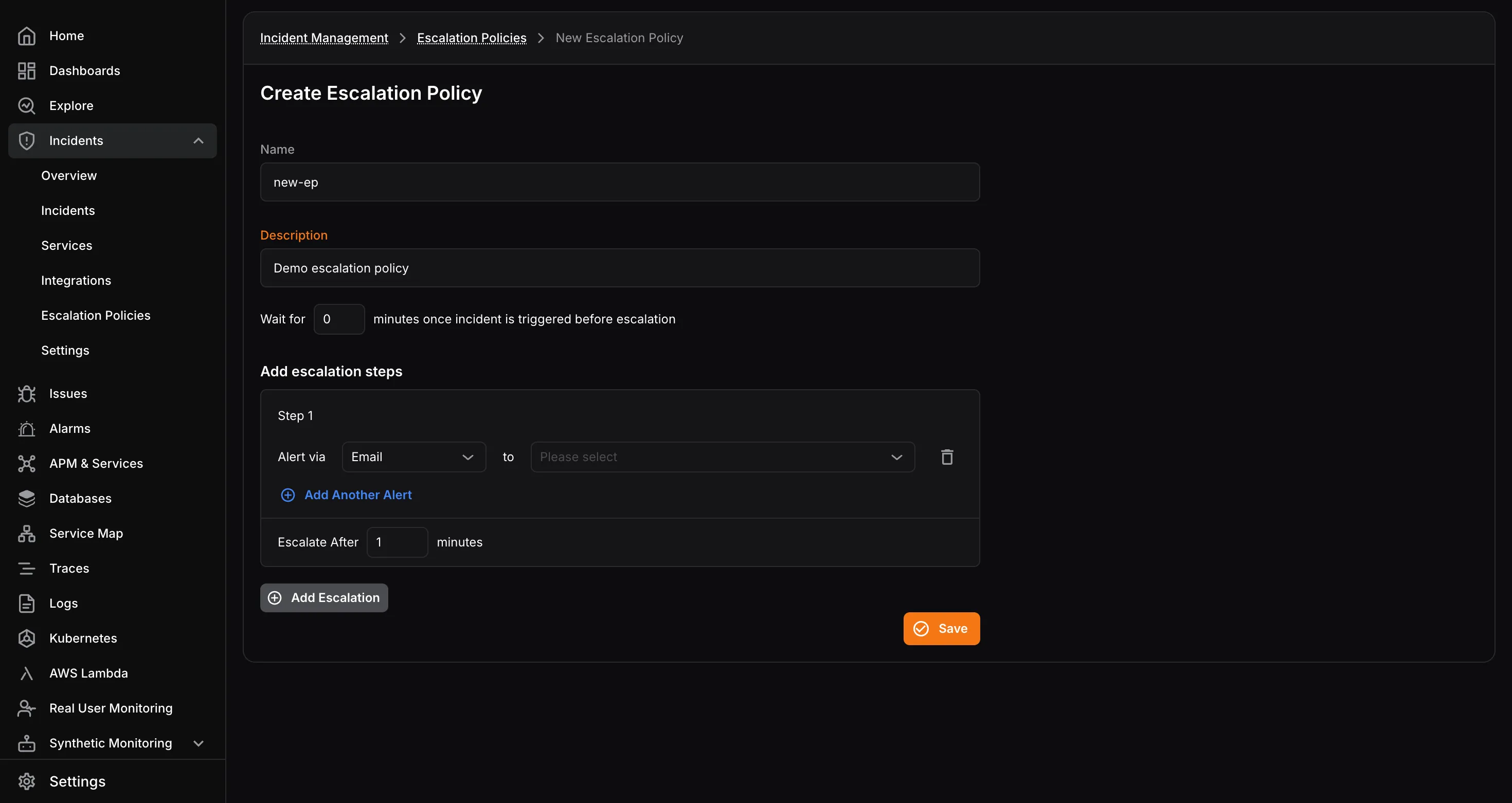
- Enter a Name and Description.
- Set the initial Wait Time in minutes.
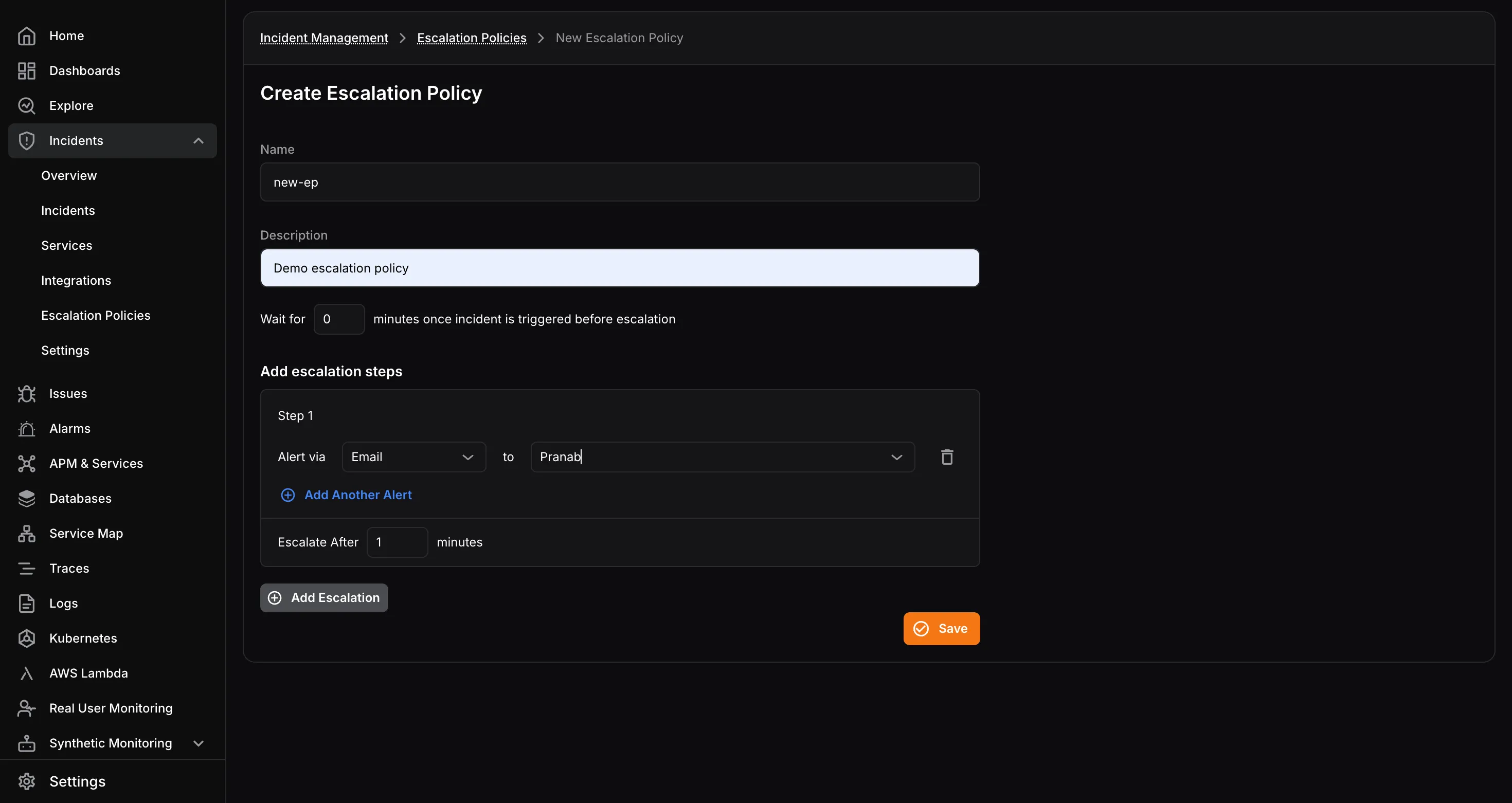
- Under Add Escalation Steps, configure the notification targets for the first step:
- Select the notification channel
- Select the assignee
- Use Add Another Alert to add multiple channels in the same step
- Set the Escalate After timeout in minutes for that step.
- Click Add Escalation to create additional steps as needed.
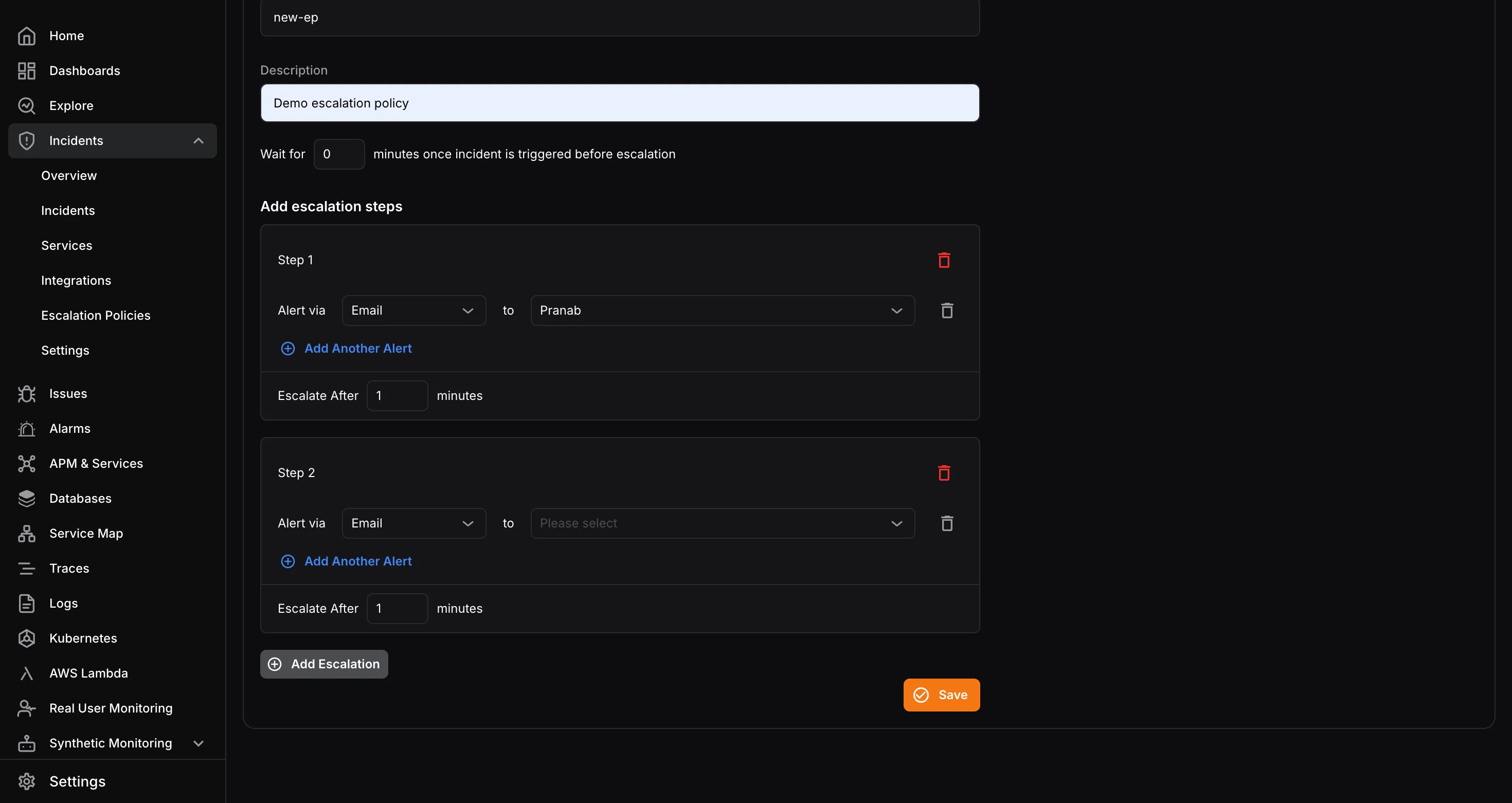
- Click Save when the policy is complete.