Create an Incident
Use the steps below to create an incident manually.
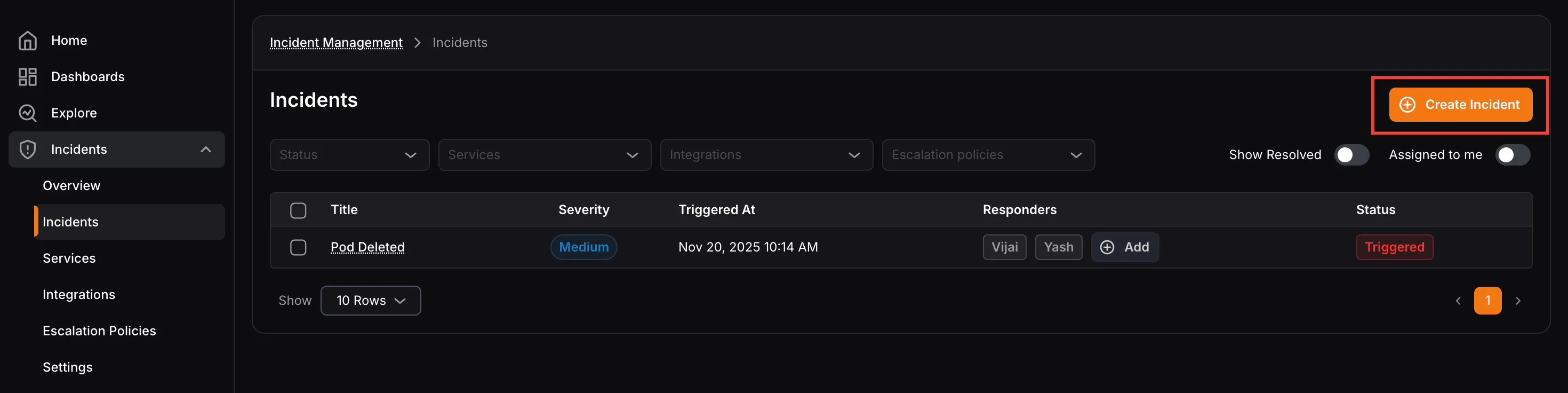
- Click Create Incident in the top-right corner of the Incidents screen.
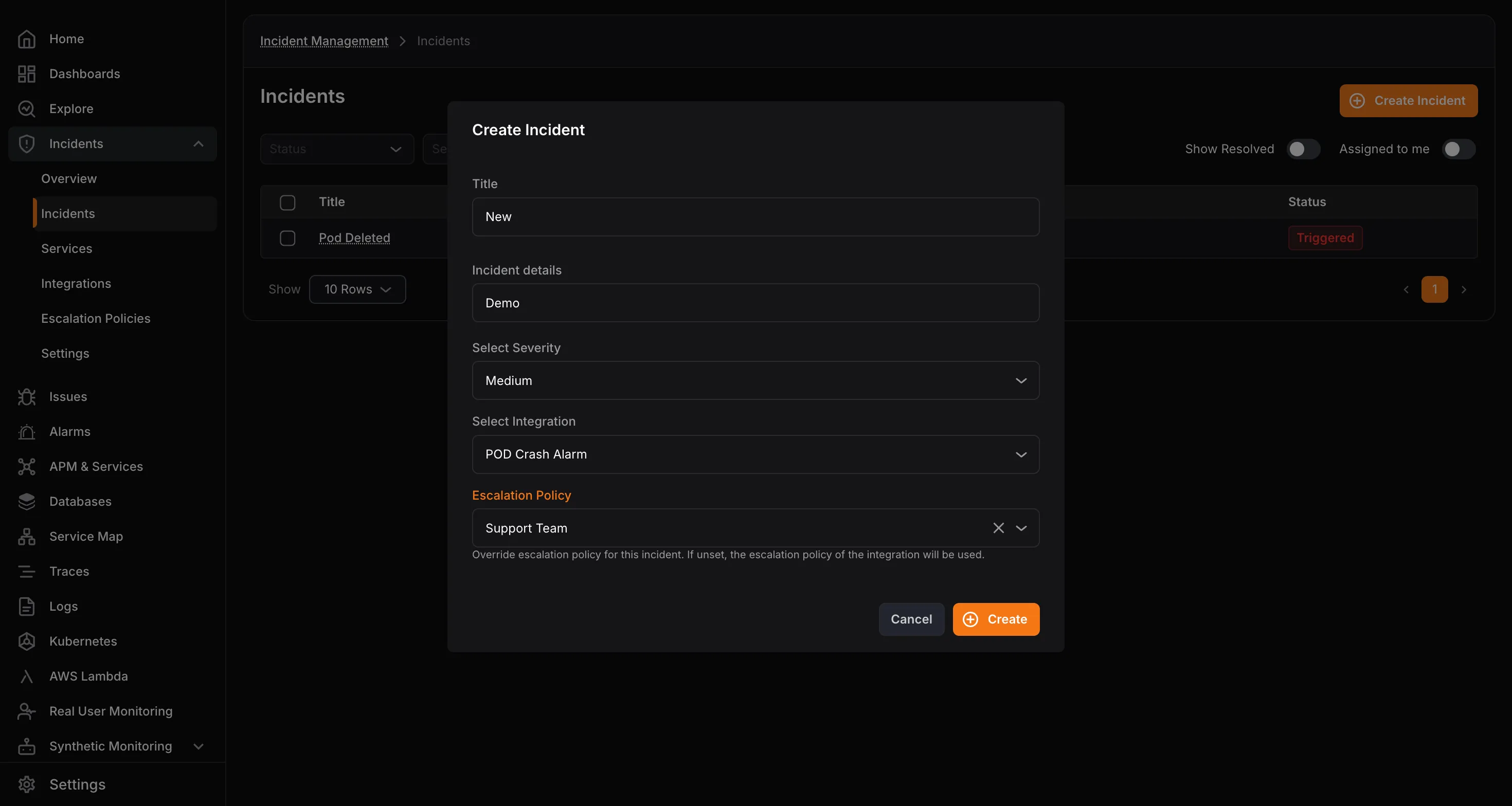
- Enter the incident Title and Incident Details.
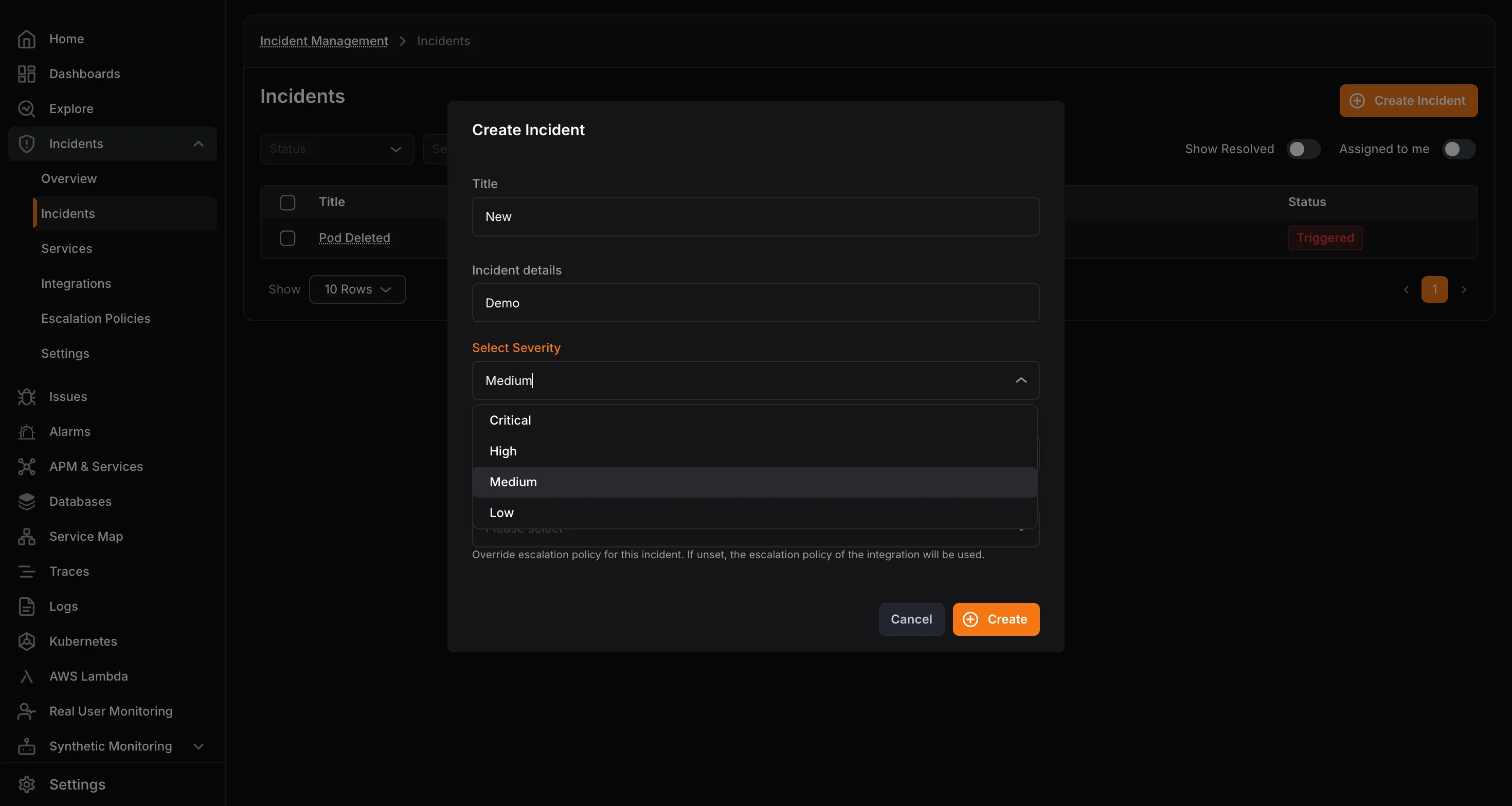
- Select a severity level: Critical , High , Medium , or Low.
- Select the integration the incident belongs to.
- Optionally choose an escalation policy to override the integration default.
- Click Create.