Add an Integration
Use the steps below to create a new incident integration.
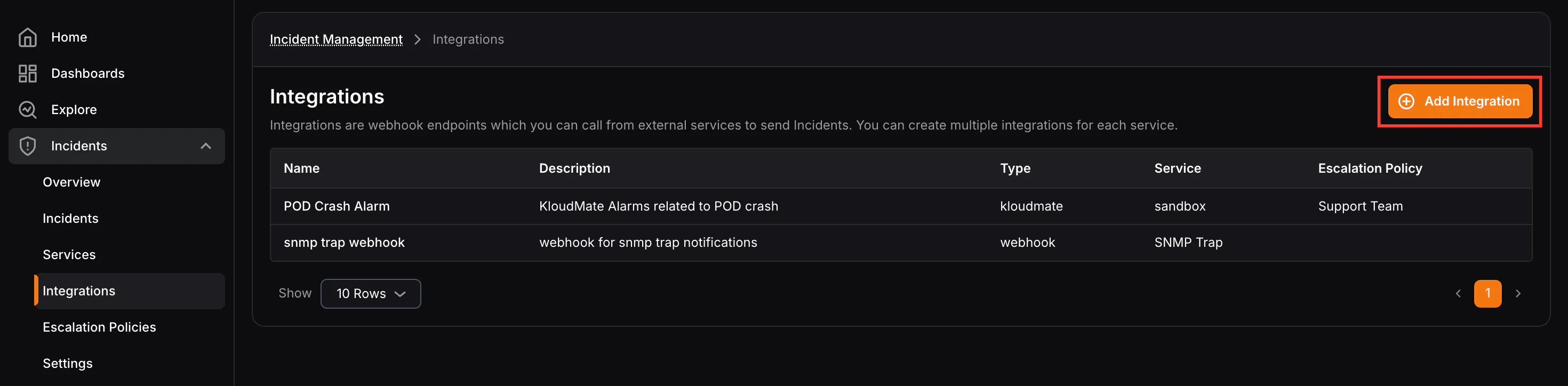
- Click Add Integration from the Integrations page.
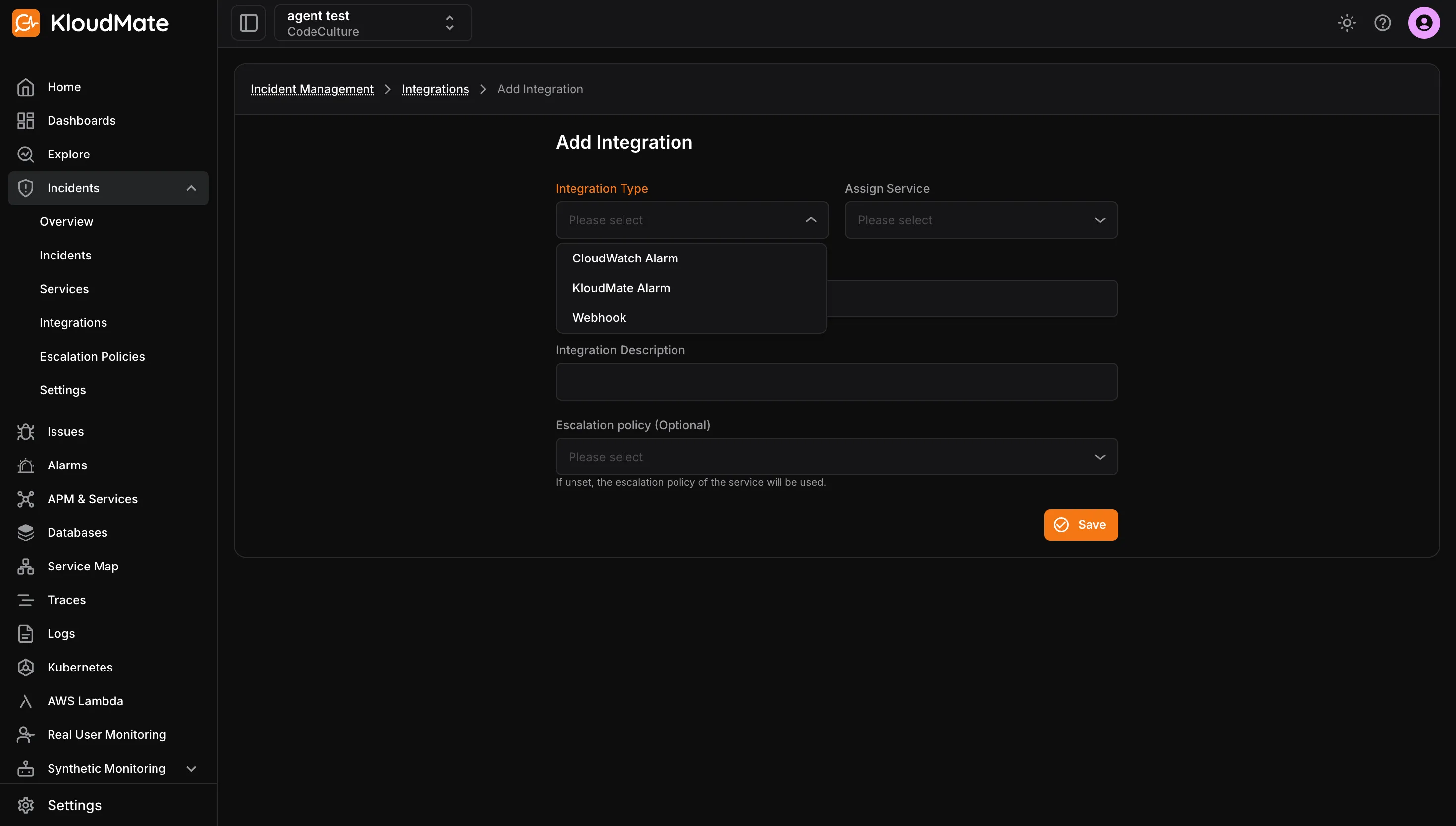
- Select an Integration Type.
Available types:
- KloudMate Alarm
- CloudWatch Alarm
- Webhook
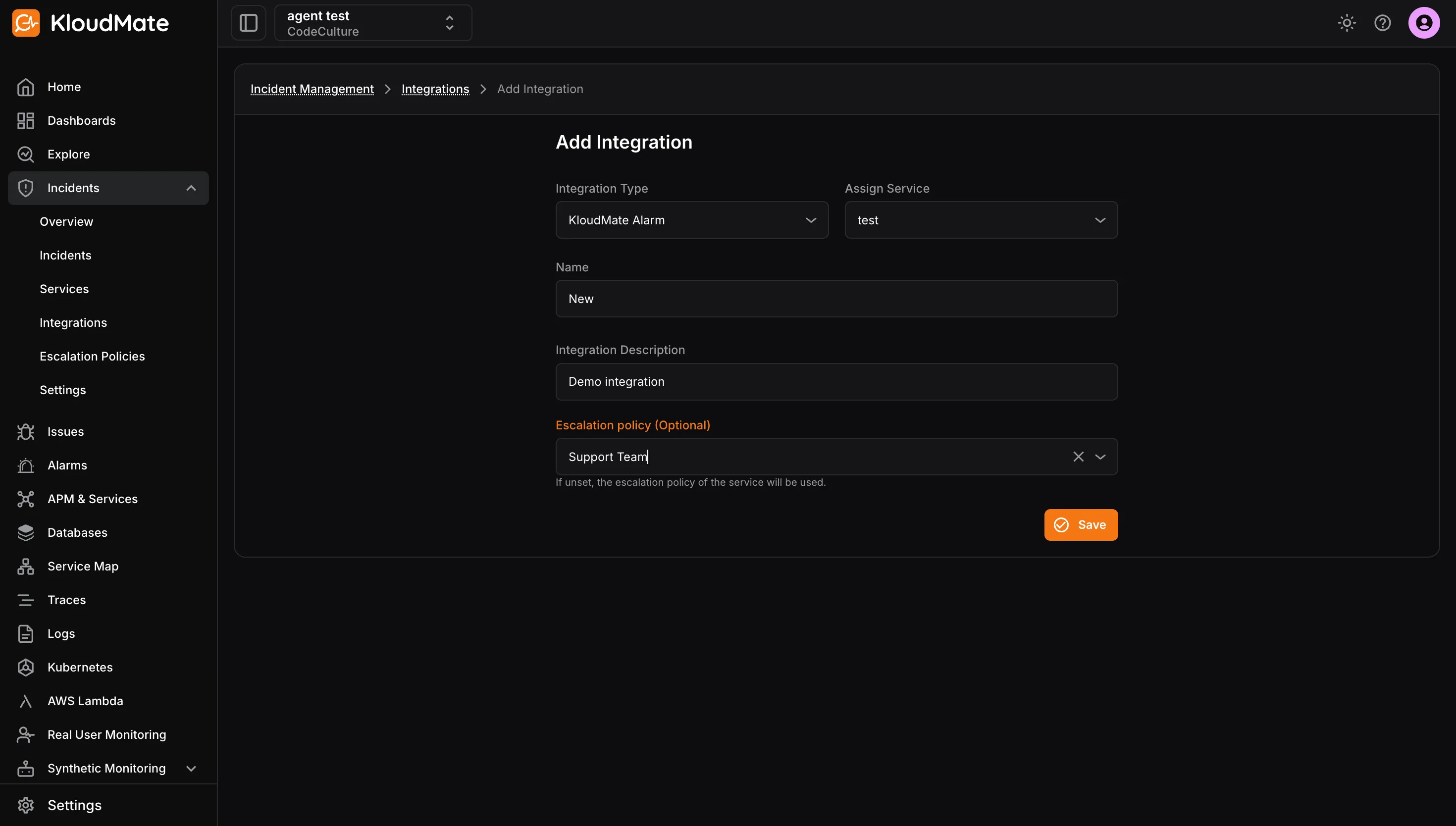
Create a KloudMate Alarm or CloudWatch Alarm Integration
Section titled “Create a KloudMate Alarm or CloudWatch Alarm Integration”- Select the service.
- Enter the integration name and description.
- Optionally choose an escalation policy override.
- Click Save.
Create a Webhook Integration
Section titled “Create a Webhook Integration”- Select the service.
- Enter the integration name and description.
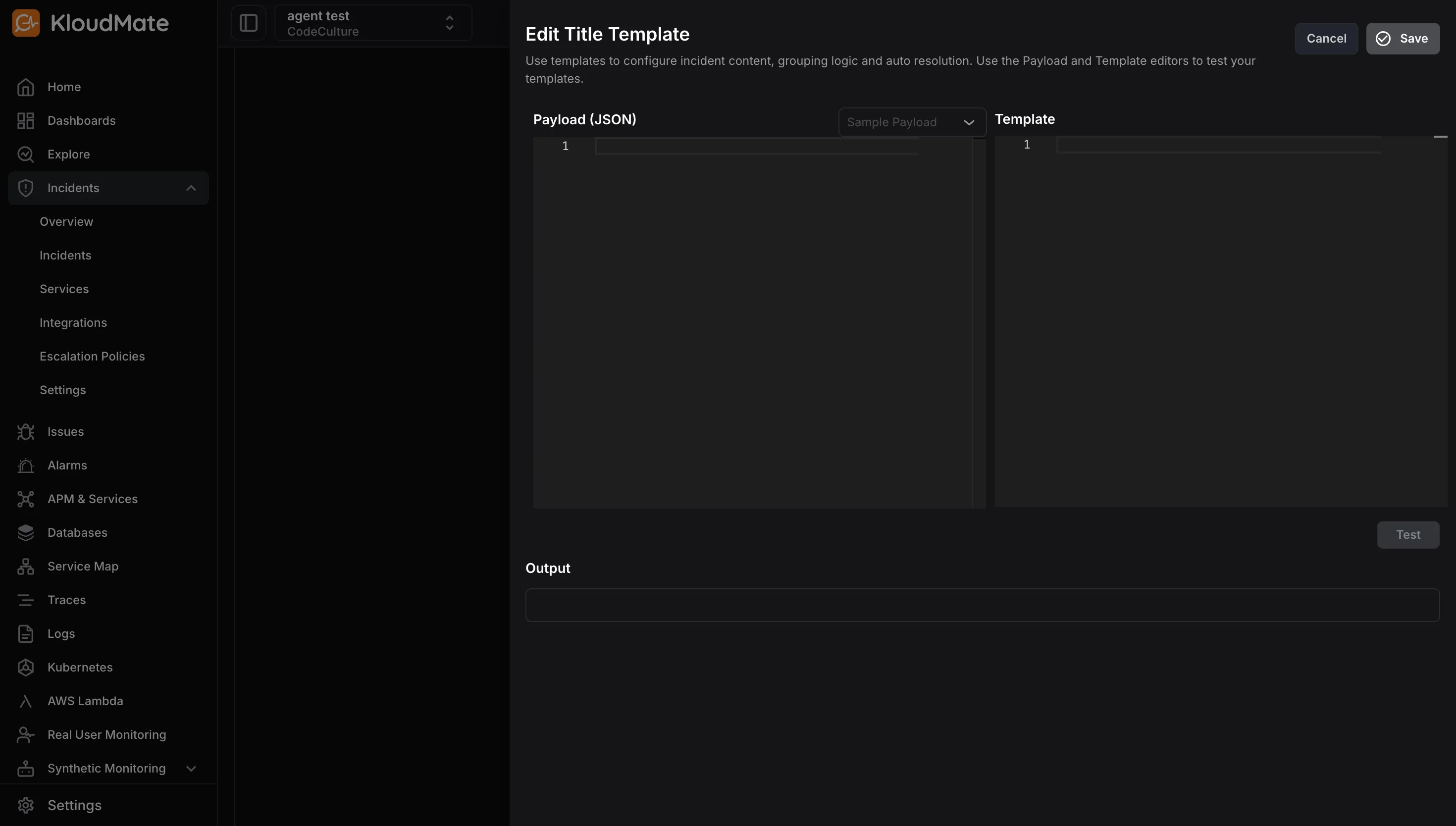
- Configure the Title Template.
- Configure the Grouping Template.
- Configure the Auto Resolve Template.
- Select an escalation policy if needed.
- Click Save.
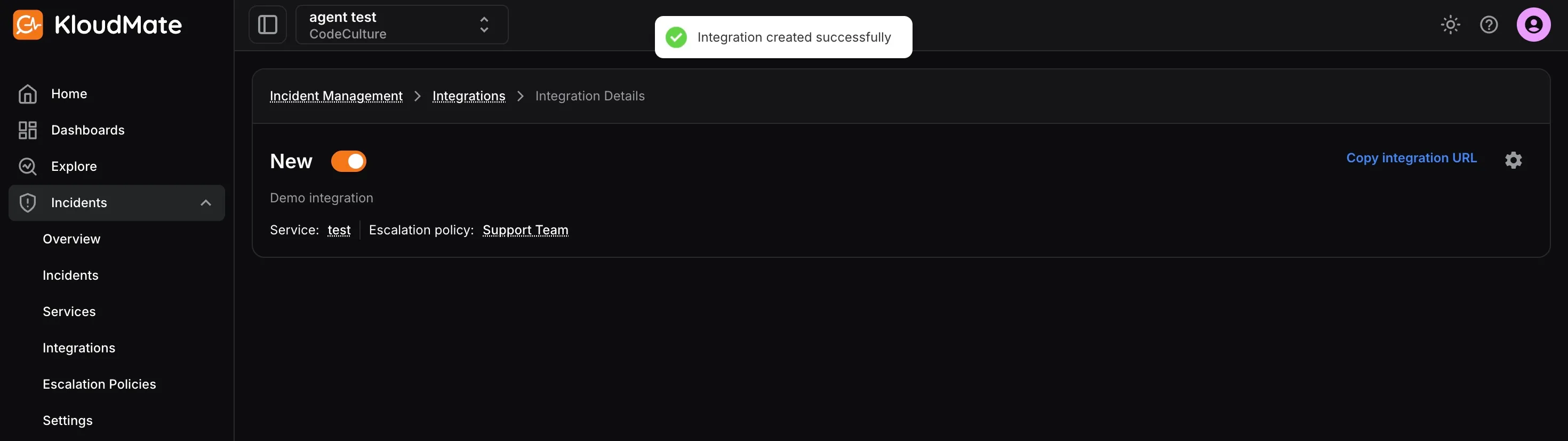
After the integration is created, you will be taken to the integration details screen where you can copy the integration URL or edit/archive the integration.