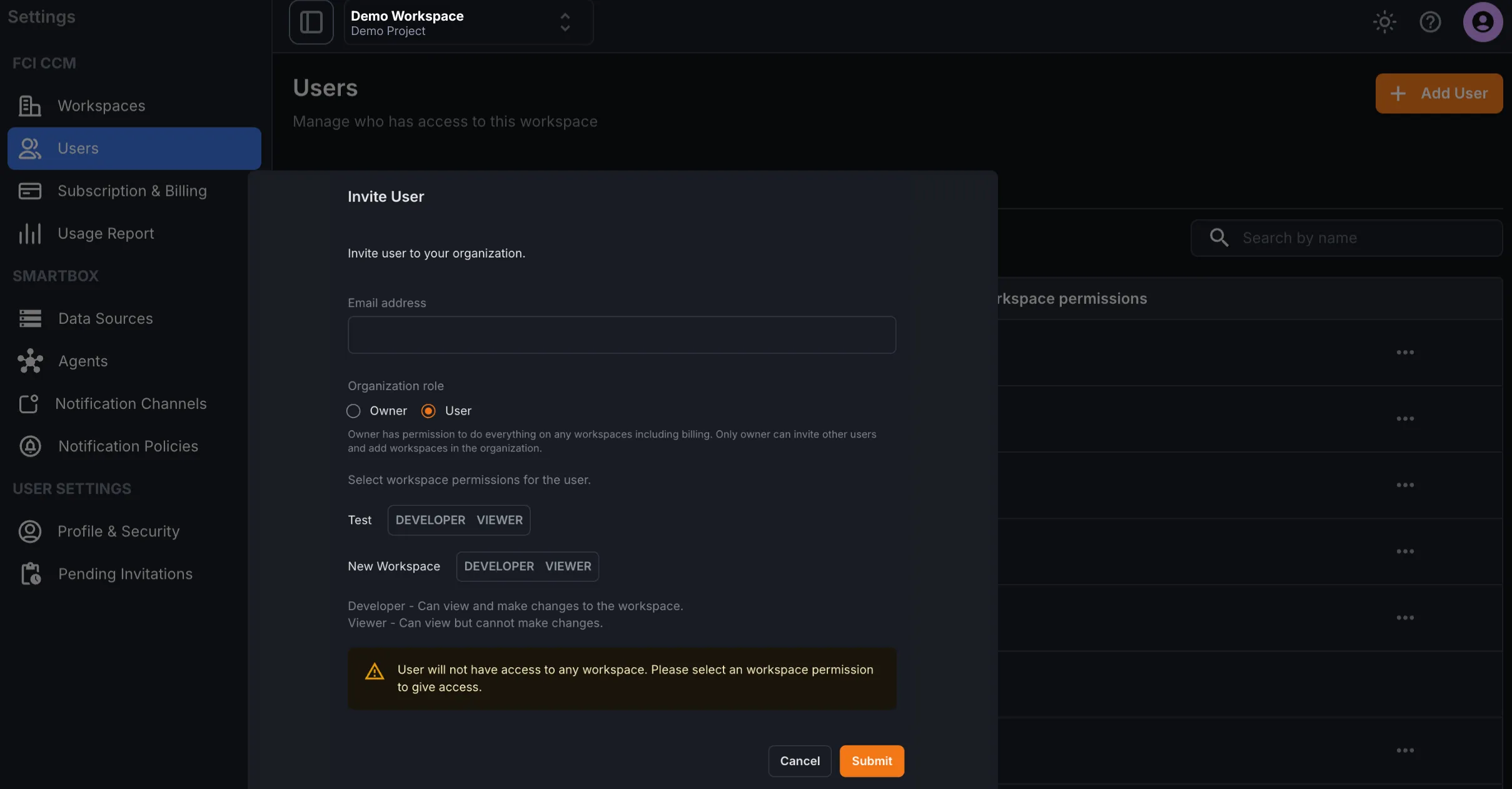
Users & Permissions
User management is available to organization owners. Use this page to invite users, assign workspace permissions, and remove access when needed.
What You Can Do
Section titled “What You Can Do”- Add new users
- Update permissions for existing users
- Remove users from the organization
Invite a User
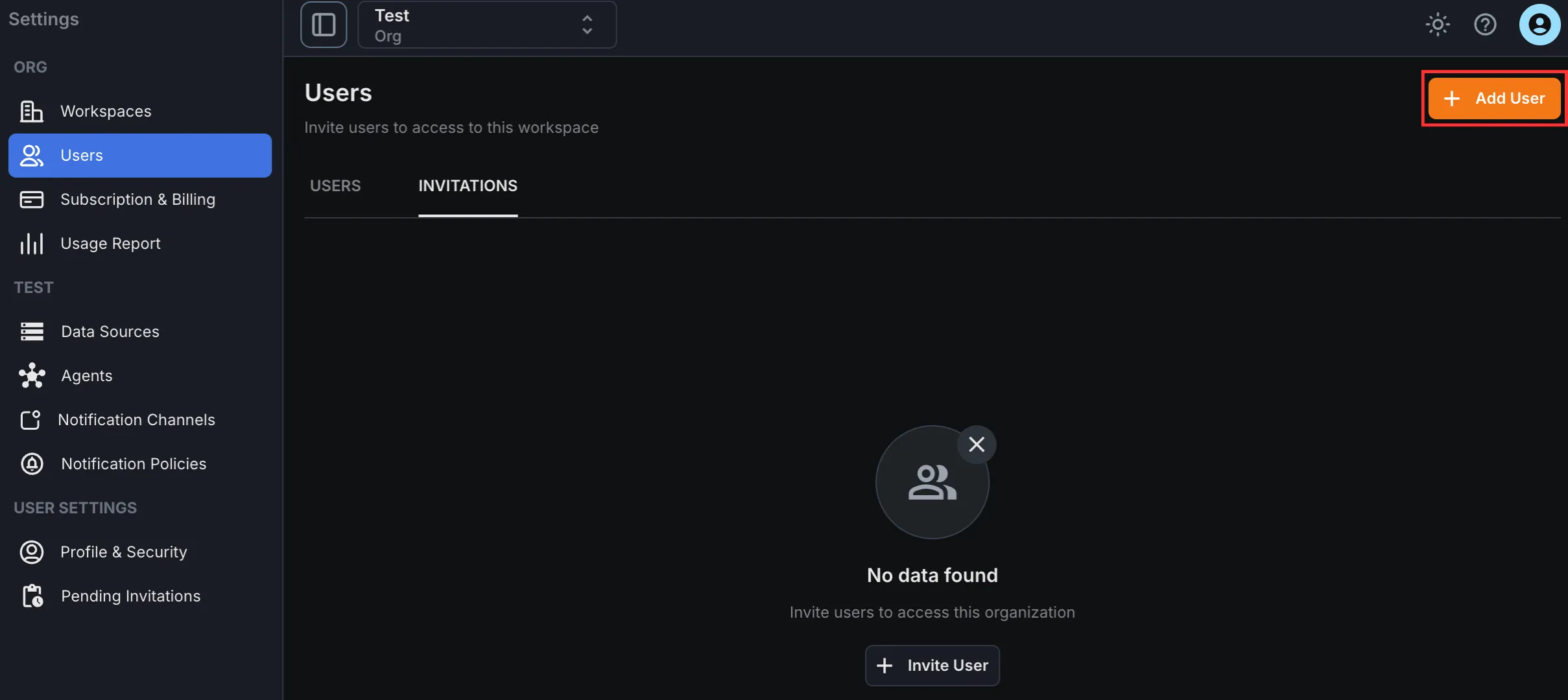
Section titled “Invite a User”Open Settings -> Users and click Invite User or Add User.
Enter the user’s email address and assign the required permissions.
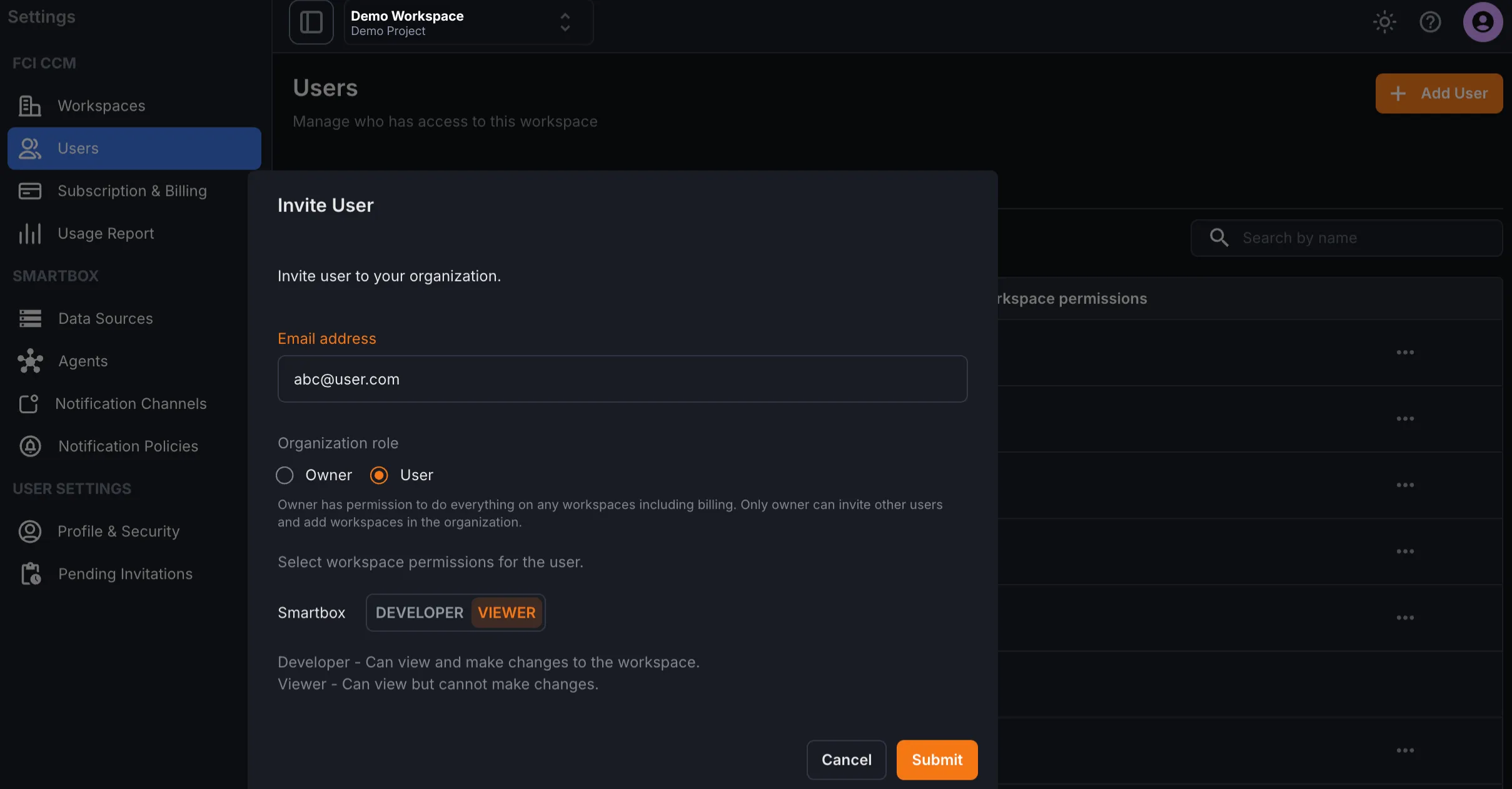
Permissions can be configured separately for each workspace. If no permission is assigned for a workspace, the user will not have access to it.