Workspaces
Workspaces let you organize data sources, services, and users by environment, team, or ownership boundary.
Manage Workspaces
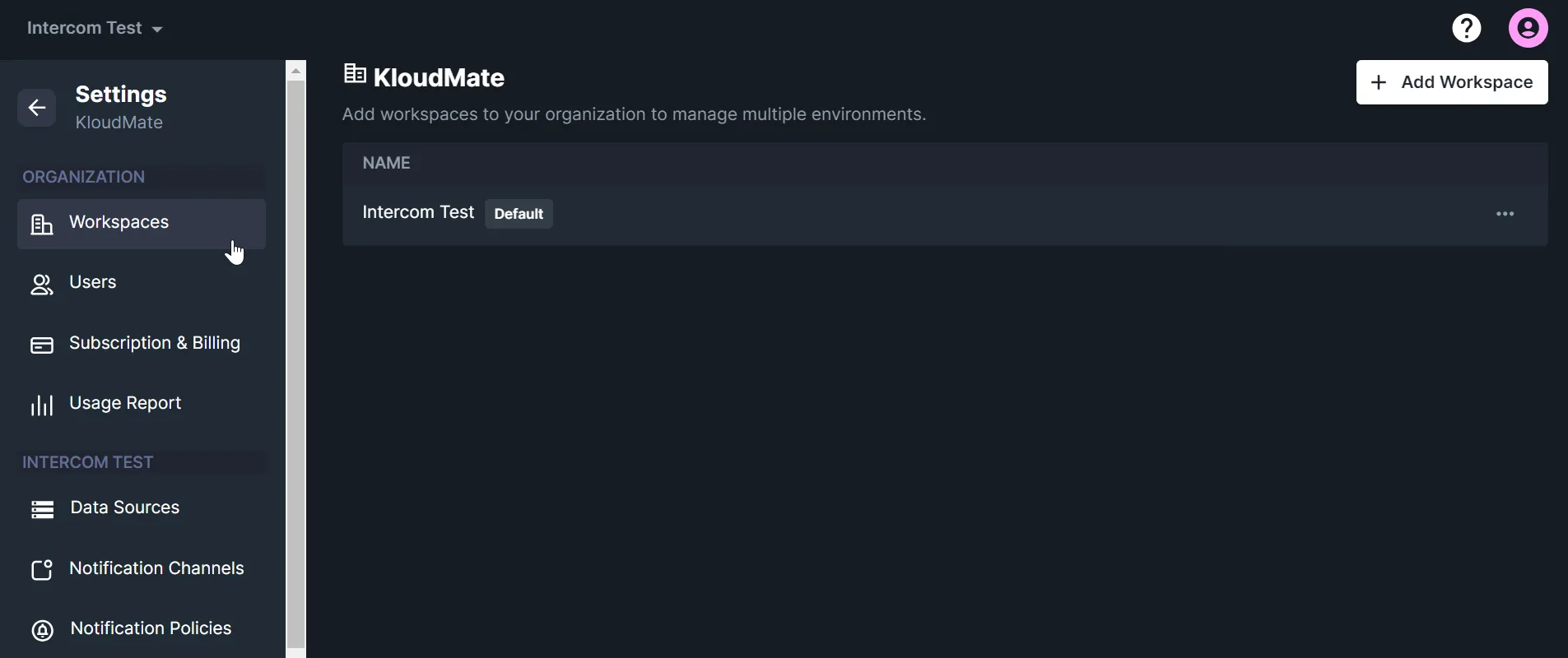
Section titled “Manage Workspaces”You create your first workspace during initial setup. After that, you can create and manage additional workspaces from Settings -> Workspaces.
From this page, you can:
- View existing workspaces
- Create a new workspace
- Rename a workspace
- Delete a workspace
Create a Workspace
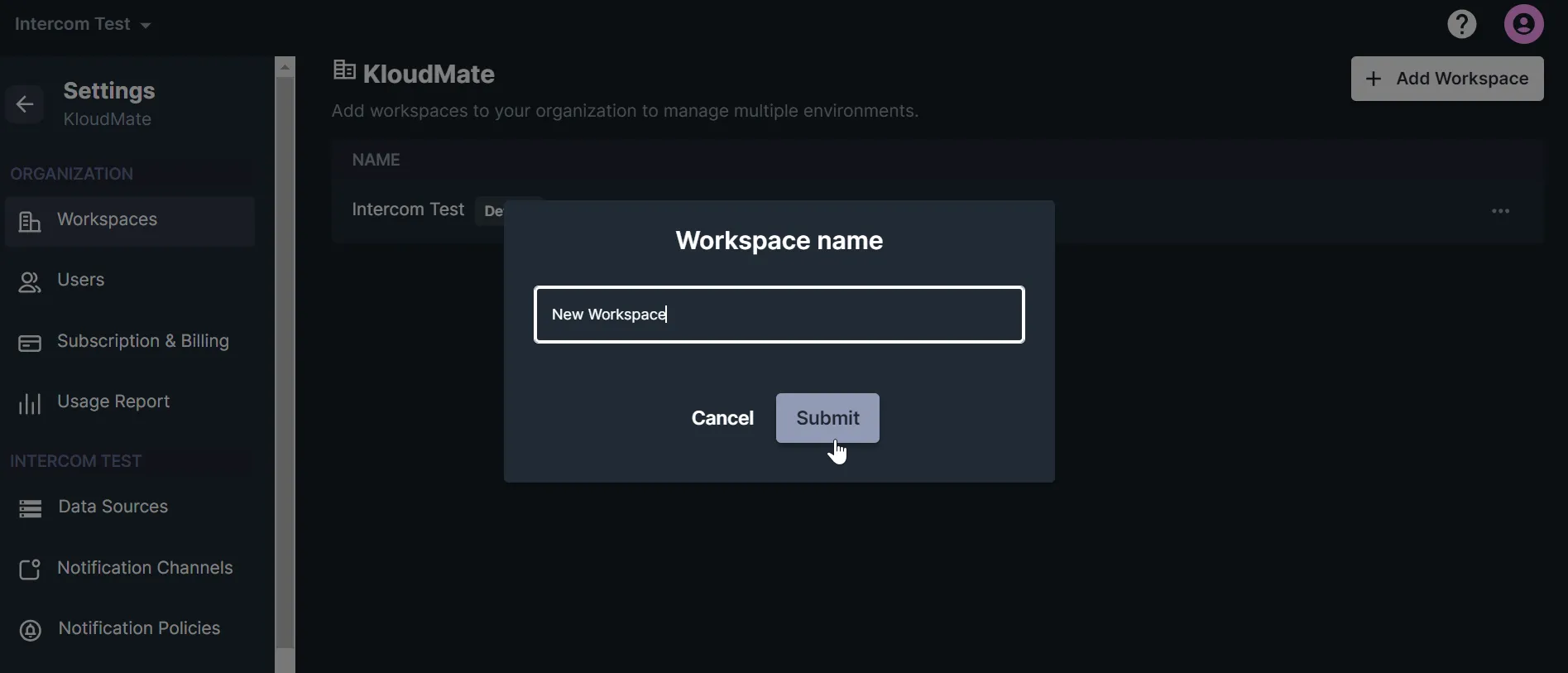
Section titled “Create a Workspace”- Click Add Workspace.
- Enter the workspace name.
- Submit the form to create the workspace.
Edit or Delete a Workspace
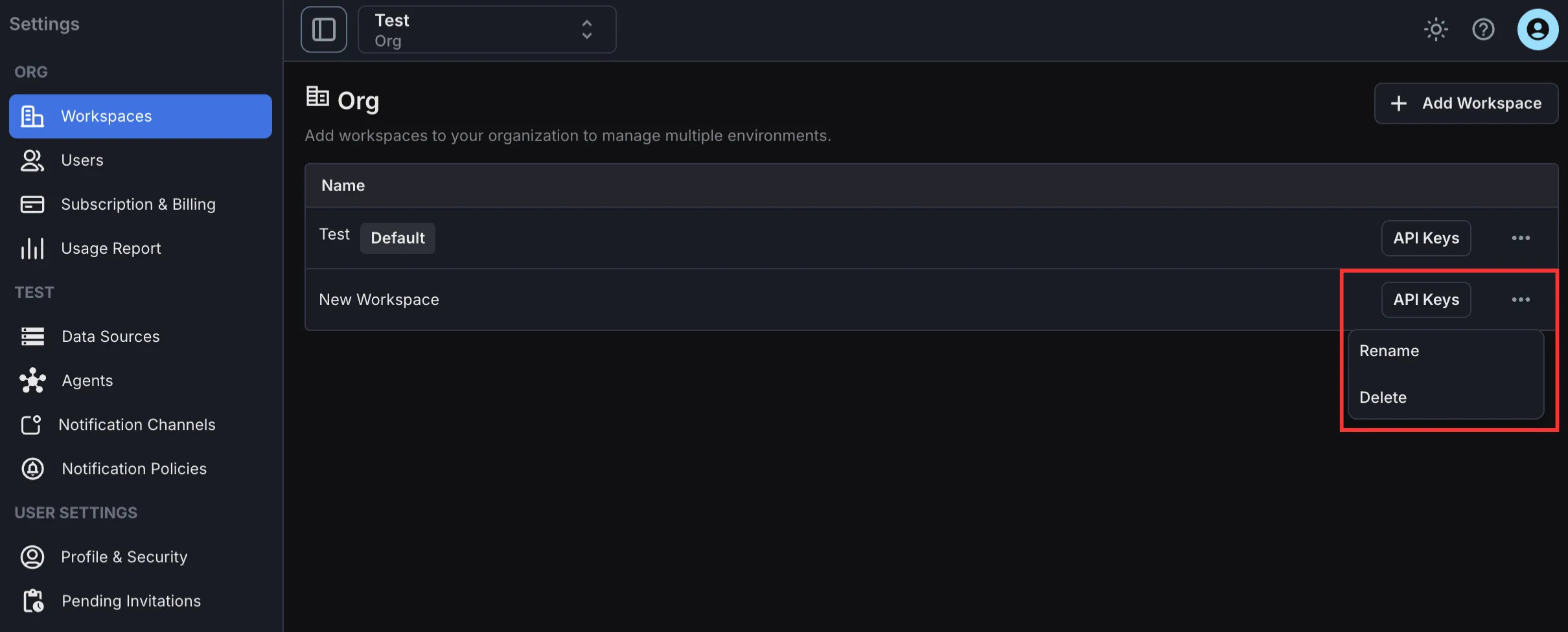
Section titled “Edit or Delete a Workspace”Use the edit action to rename a workspace. Use the delete action to permanently remove the workspace.
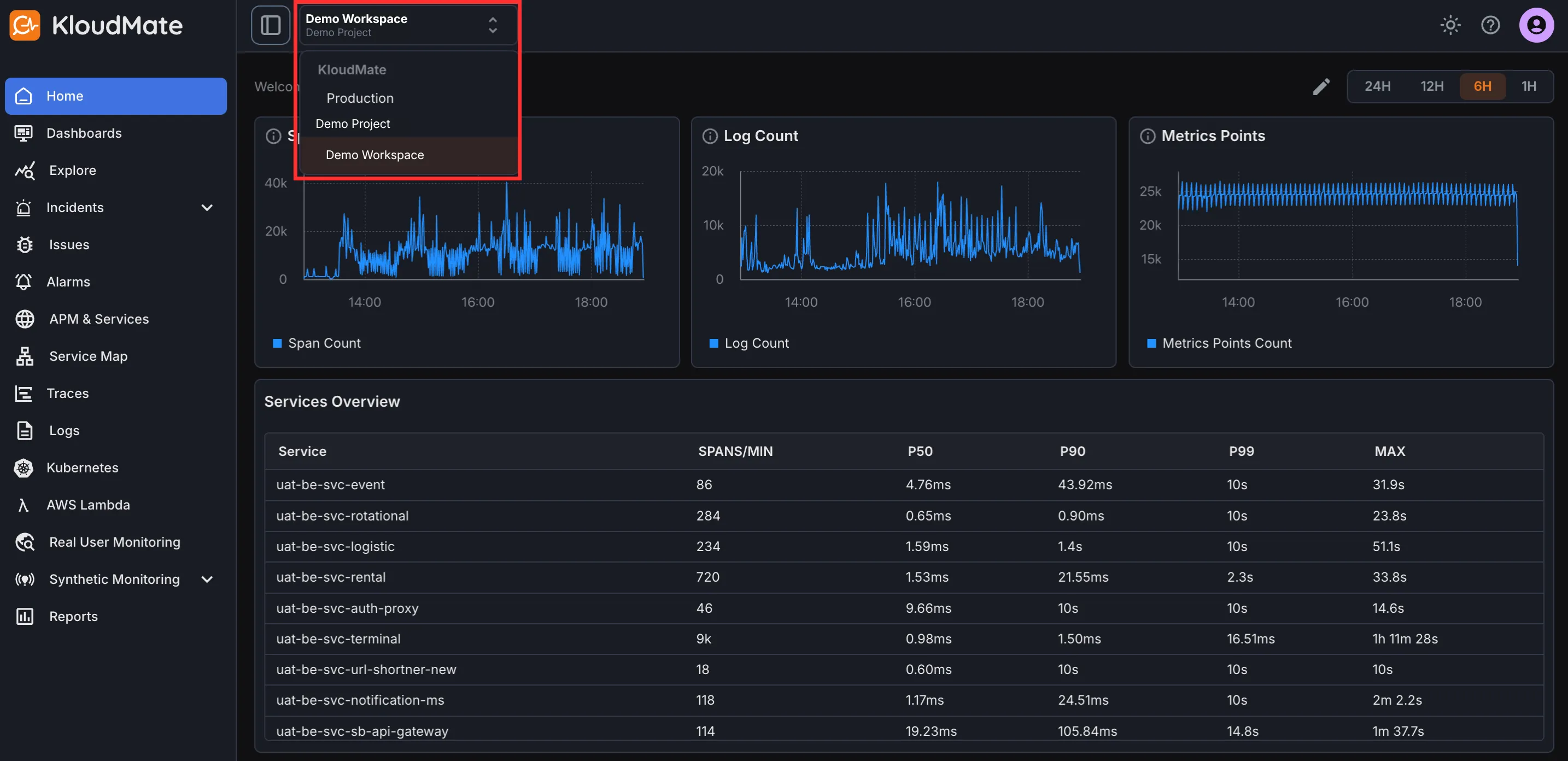
Switch Between Workspaces
Section titled “Switch Between Workspaces”If you belong to multiple workspaces, use the workspace selector in the top-right corner of the interface to switch context.