Integrate with KloudMate Alarms
To send alarm-triggered notifications into Incident Management, connect a webhook integration to a notification channel and notification policy.
Step 1: Copy the Integration URL
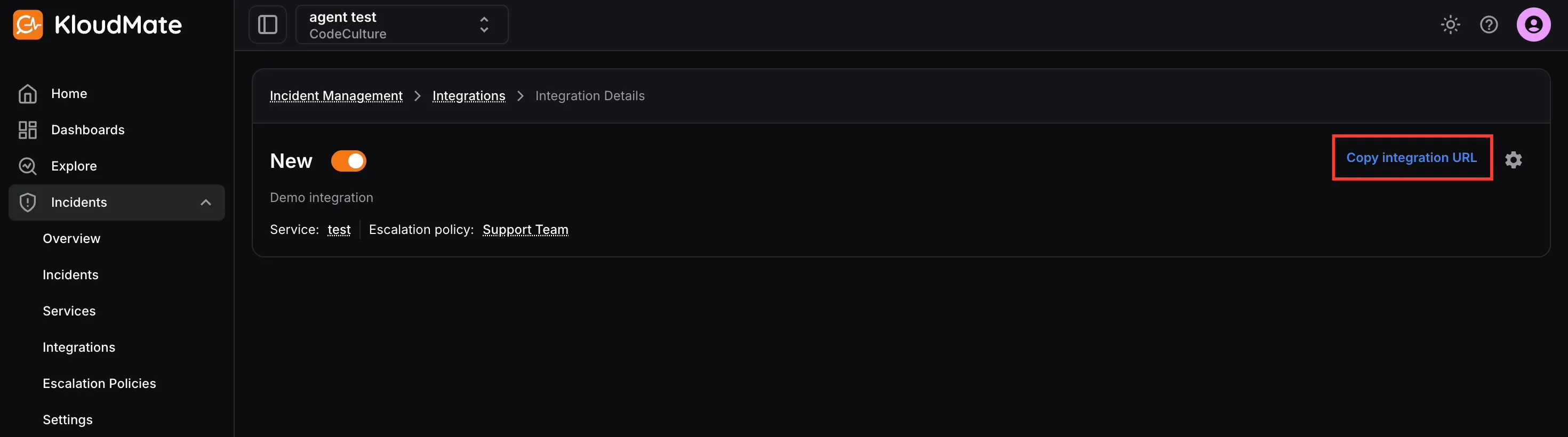
Section titled “Step 1: Copy the Integration URL”- Open Incidents -> Integrations.
- Select an integration of type KloudMate Alarm.
- Copy the integration URL from the integration details page.
If you have not created the integration yet, start with Add an Integration.
Step 2: Create a Notification Channel
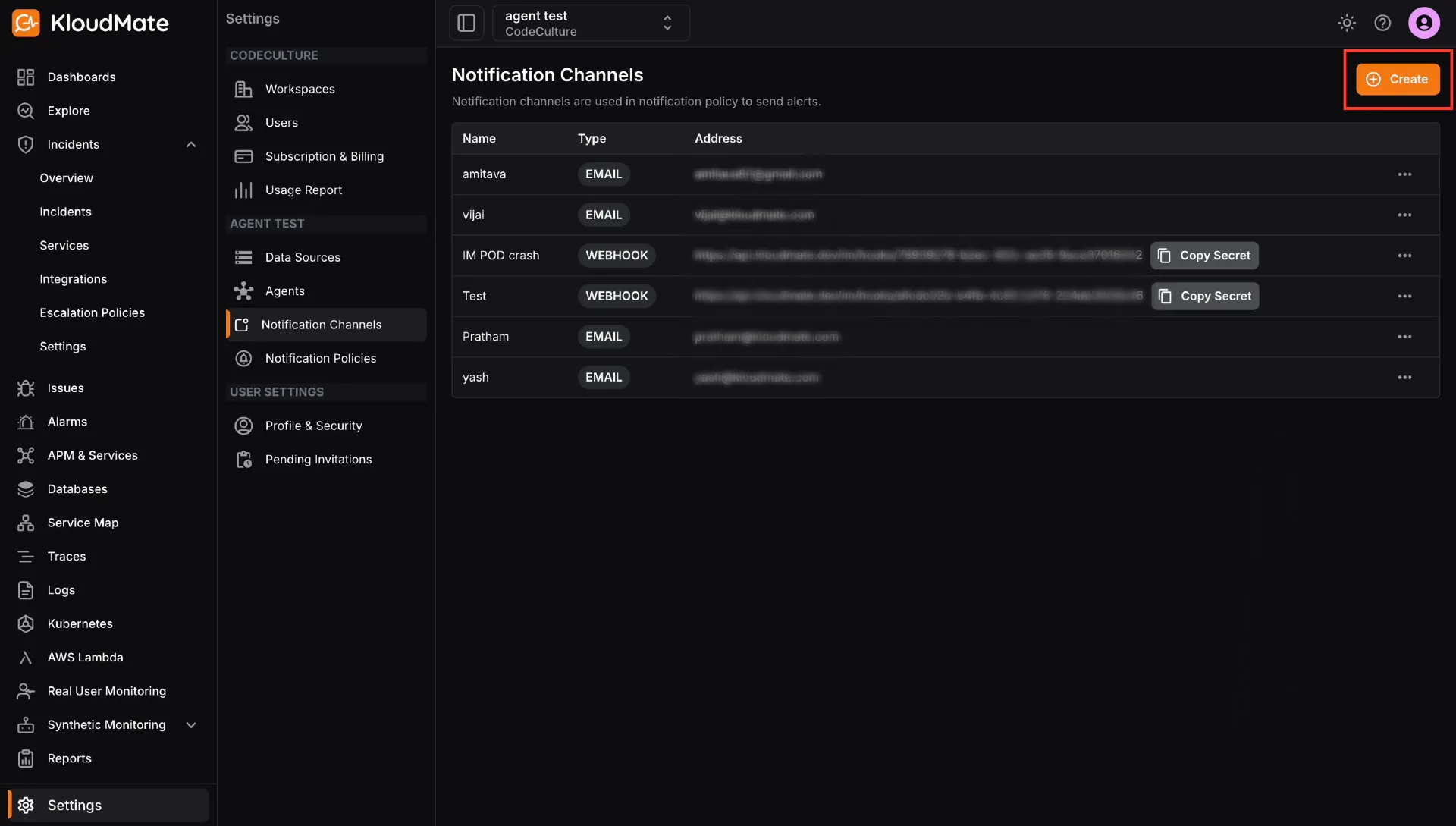
Section titled “Step 2: Create a Notification Channel”- Open Settings -> Notification Channels.
- Click Create.
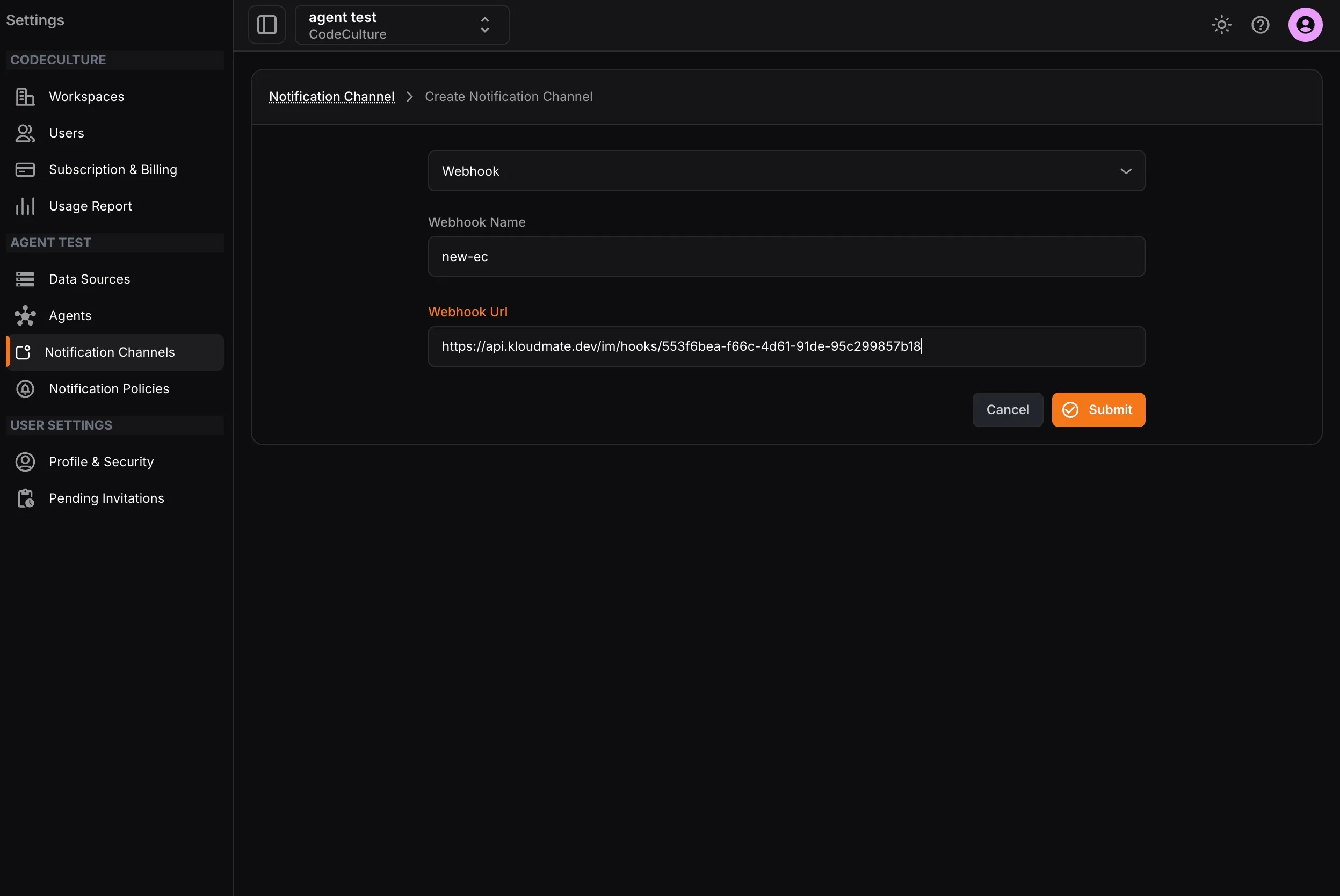
- Select Webhook.
- Enter a name and paste the integration URL.
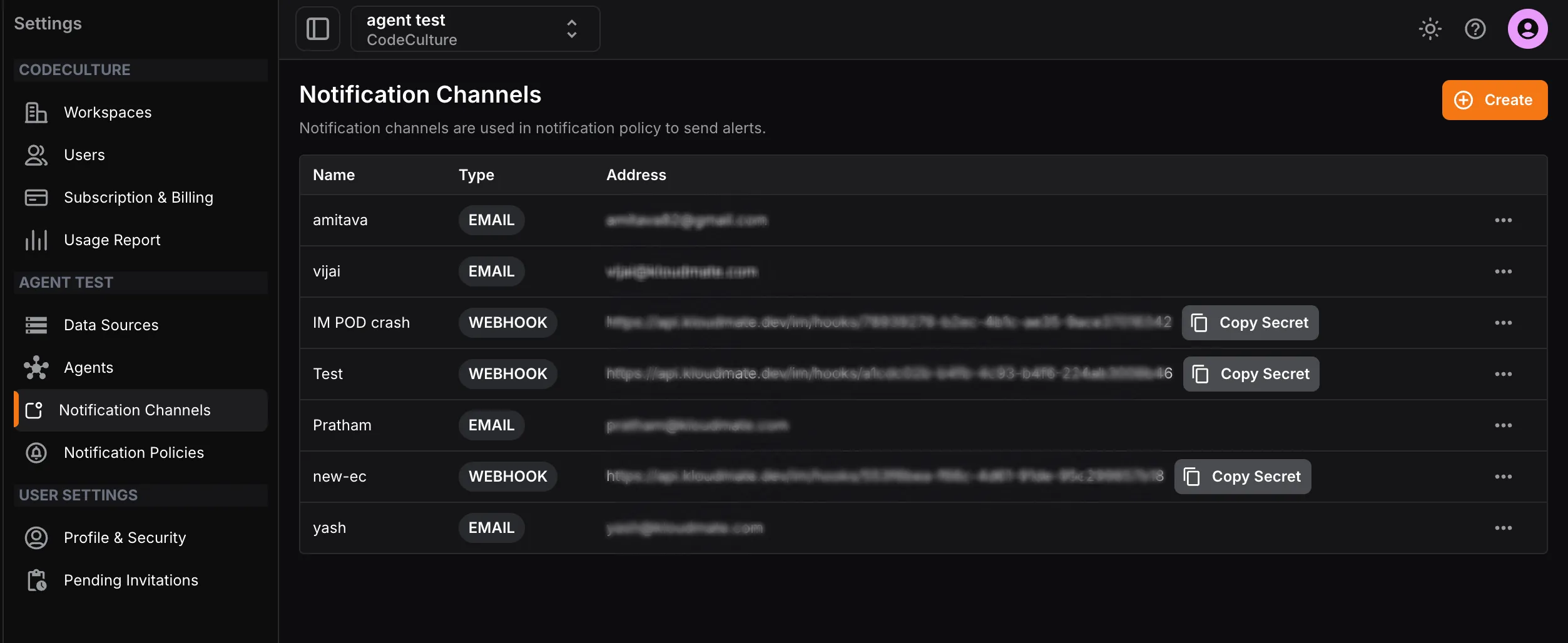
- Submit the channel.
Step 3: Create a Notification Policy
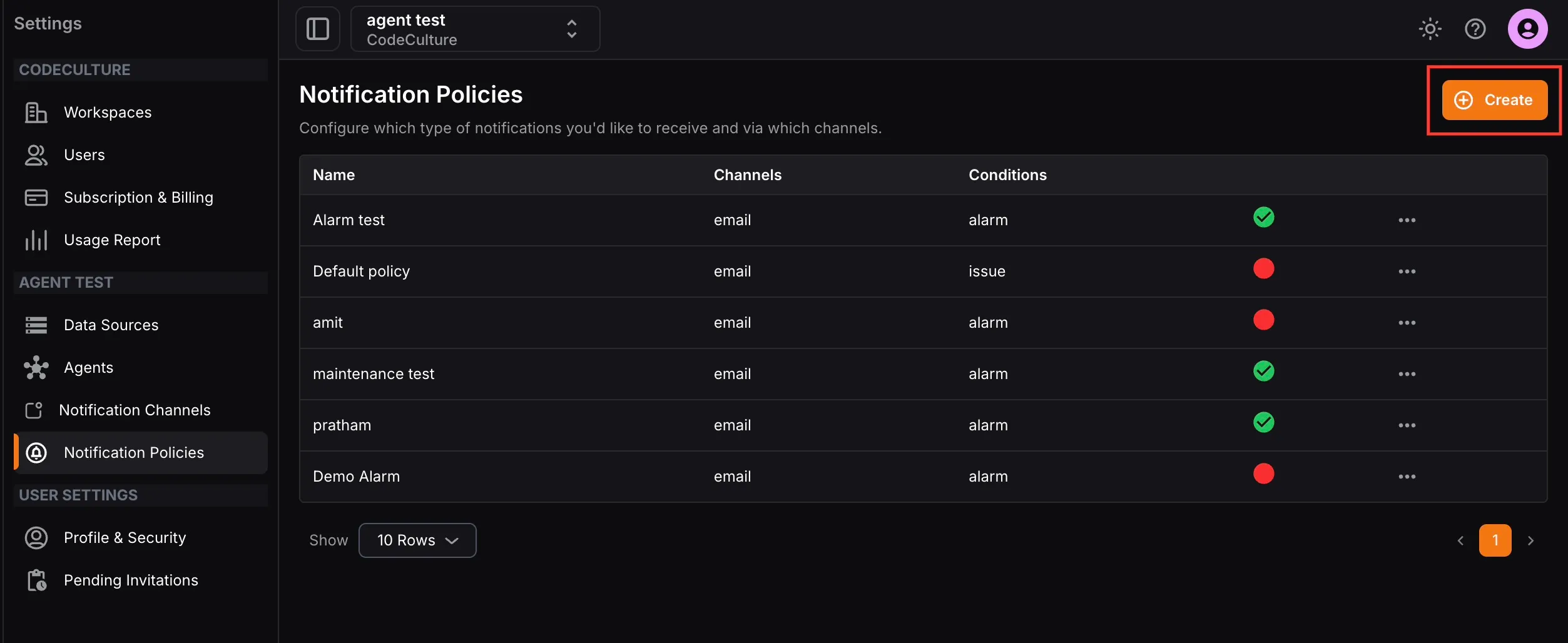
Section titled “Step 3: Create a Notification Policy”- Open Settings -> Notification Policies.
- Click Create.
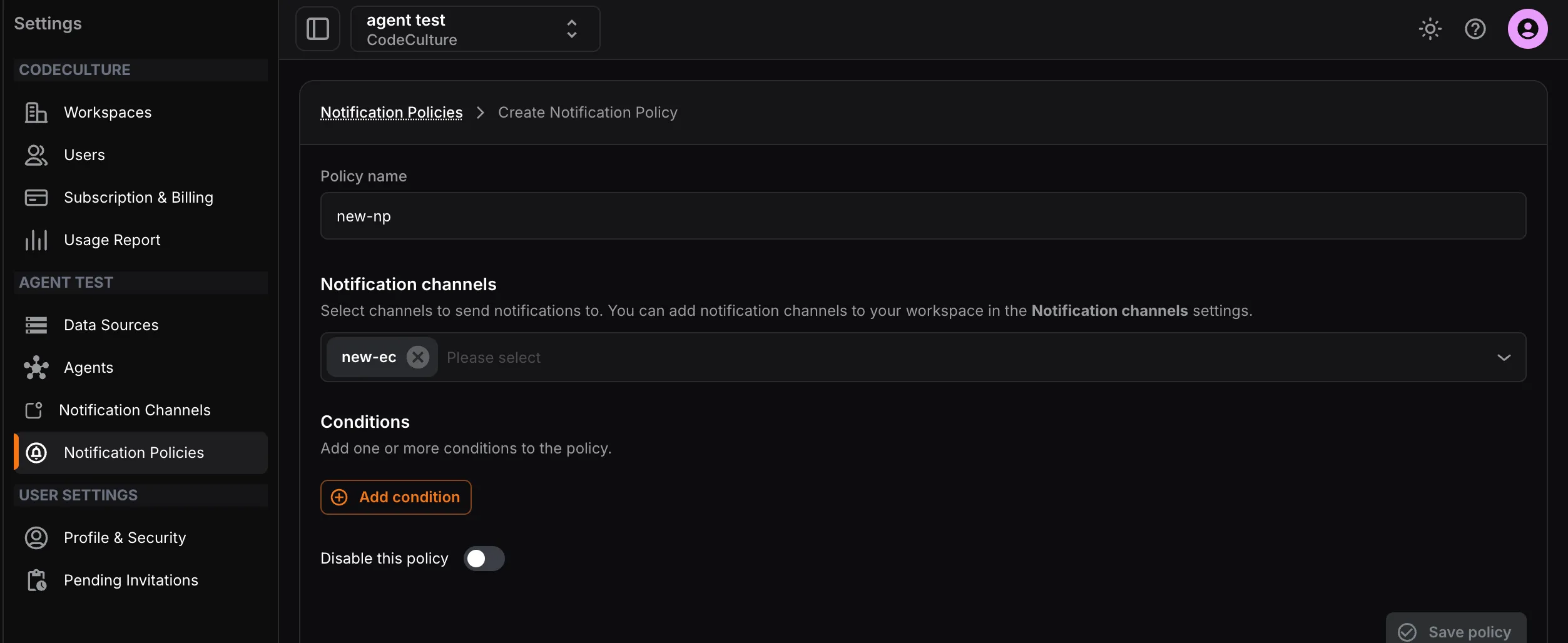
- Enter a policy name.
- Select the webhook notification channel.
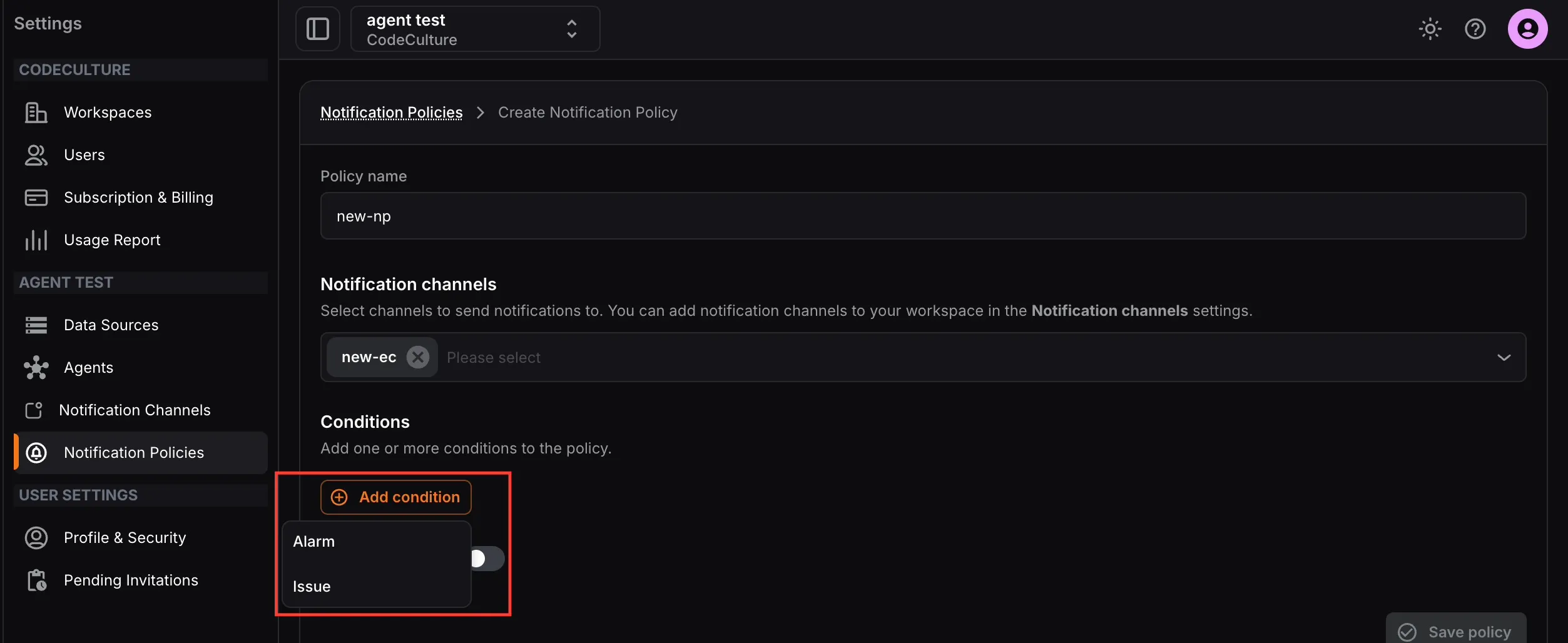
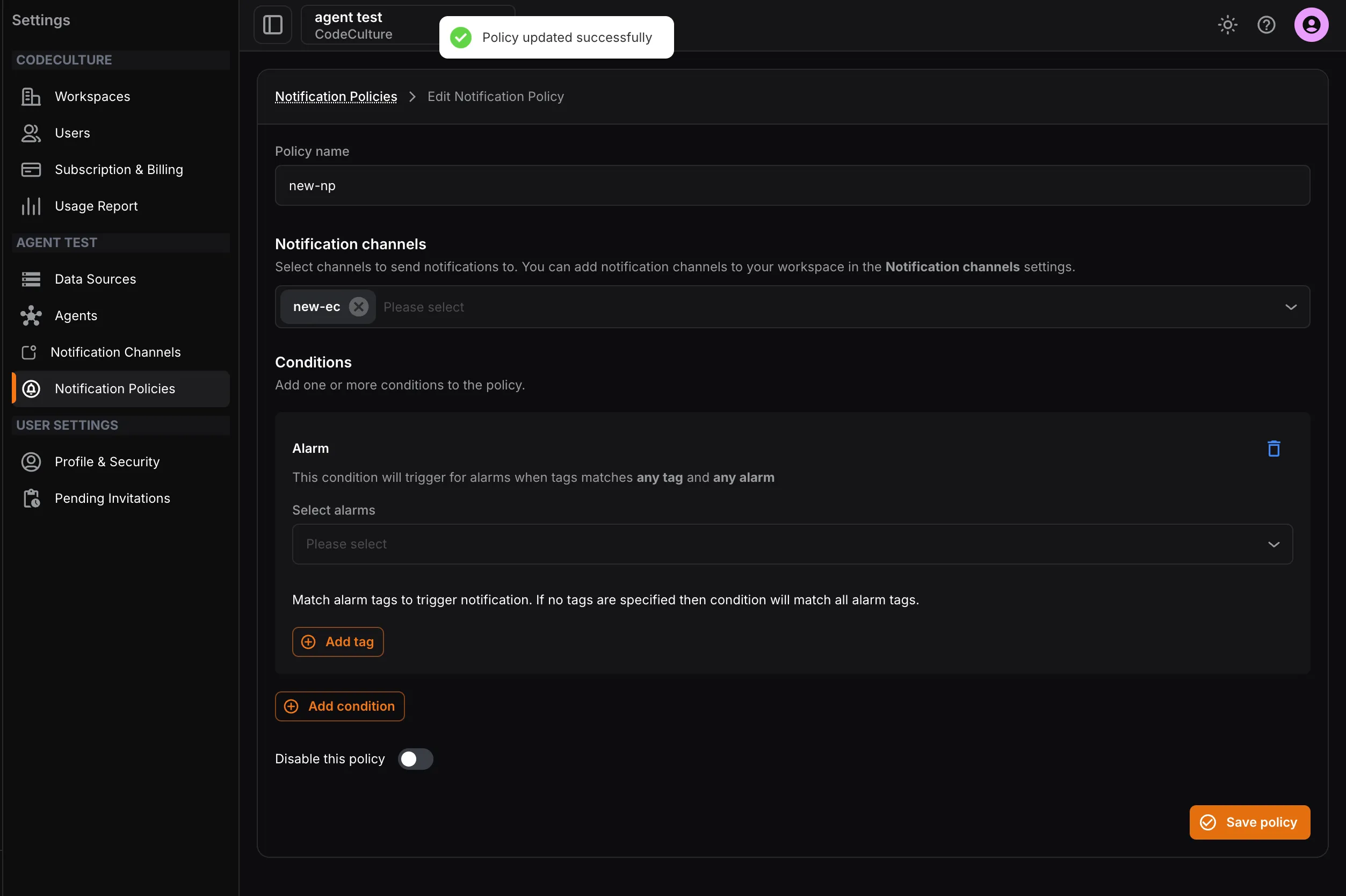
- Add conditions for Alarm or Issue.
- Save the policy.