

Provisioning & enforcement
Two settings decide who can sign in through SSO and how their accounts come to exist. Provisioning controls whether accounts are created automatically. Enforcement controls who is required to use SSO instead of a password. This page covers both, and the safeguards that keep you from locking yourself out.
Choose a provisioning mode
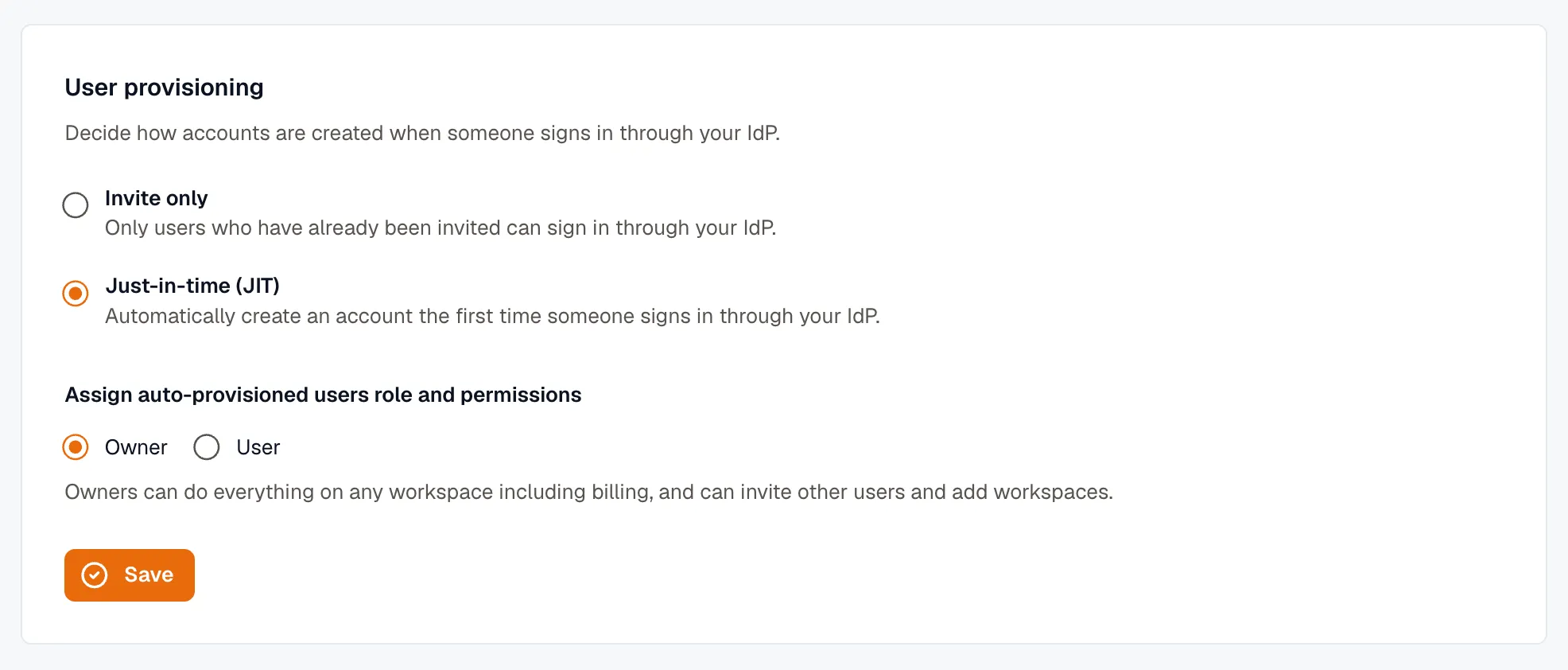
Section titled “Choose a provisioning mode”In the User provisioning card on Settings → Single Sign-On, pick one of two modes. The setting takes effect as soon as you select it.
- Invite only (default) — only people you’ve already invited to the organization can sign in through your IdP. Authenticating with the IdP isn’t enough on its own; the person also has to have a KloudMate invite.
- Just-in-time (JIT) — KloudMate creates an account the first time someone signs in through your IdP. Anyone your IdP lets through becomes a member automatically, without a separate invite.
Which one should you pick?
Section titled “Which one should you pick?”- Use Invite only when you want to control the member list yourself and treat the IdP purely as the login method. A user who authenticates but was never invited is turned away with Your account isn’t set up for this org — ask an organization Owner to invite you.
- Use JIT when your IdP app is already scoped to the right group of people, and you’d rather not invite each person by hand. Everyone in that IdP group can sign in and is added on first login.
You can switch modes at any time. Switching to JIT doesn’t retroactively add anyone — accounts are created as people sign in.
How enforcement works
Section titled “How enforcement works”Once SSO is set up, enforcement is scoped to your verified domains. The rules:
- Members on a verified domain must use SSO. If someone whose email is on a verified domain tries to sign in with a password, KloudMate blocks the password path and sends them to your IdP instead. They never see an “invalid password” error — they’re sent straight to your IdP.
- The owner keeps password access. As the owner, you can always sign in with your password, even after enforcement is on. This is a deliberate lockout-safety fallback: if your IdP connection breaks, you can still get in and fix it.
- External and guest collaborators are not forced through your IdP. A collaborator whose email is on a different domain — a contractor on their own company’s domain, for example — keeps normal password login. Your IdP only governs your own domains.