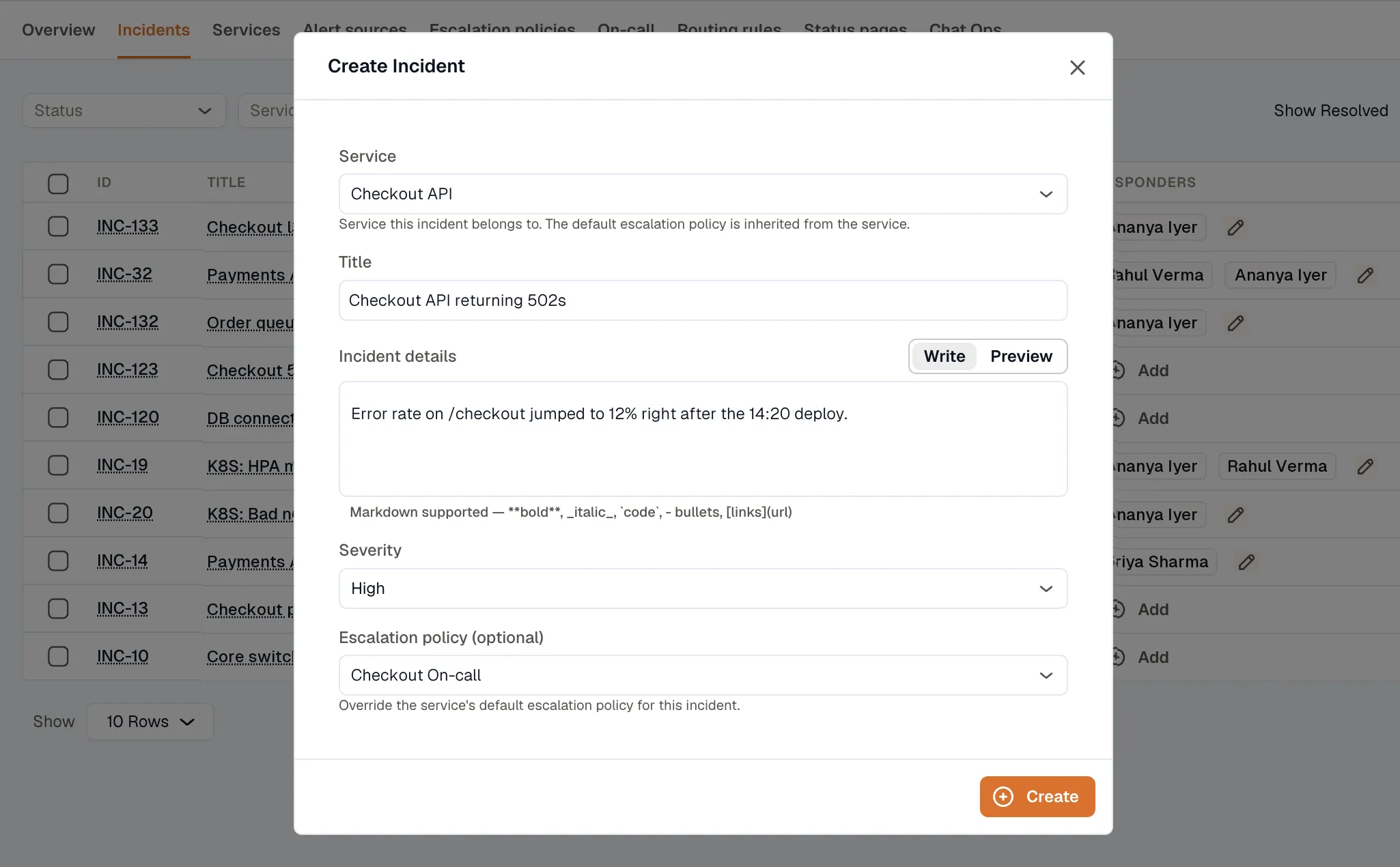
Create an Incident
Use the steps below to create an incident manually.
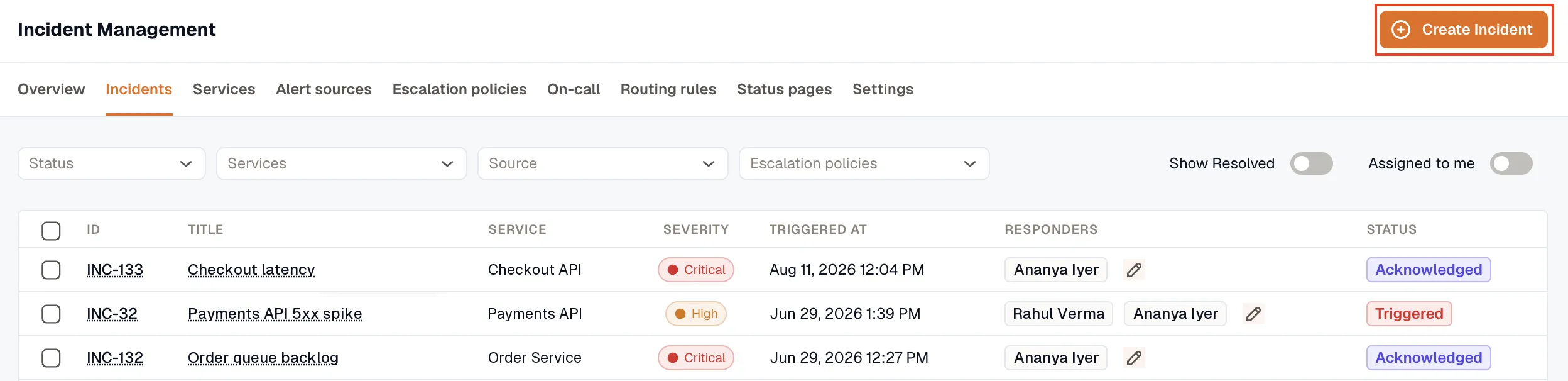
- Open Incidents → Incidents and click Create Incident.
- Select the Service the incident belongs to.
- Enter a Title and the Incident details.
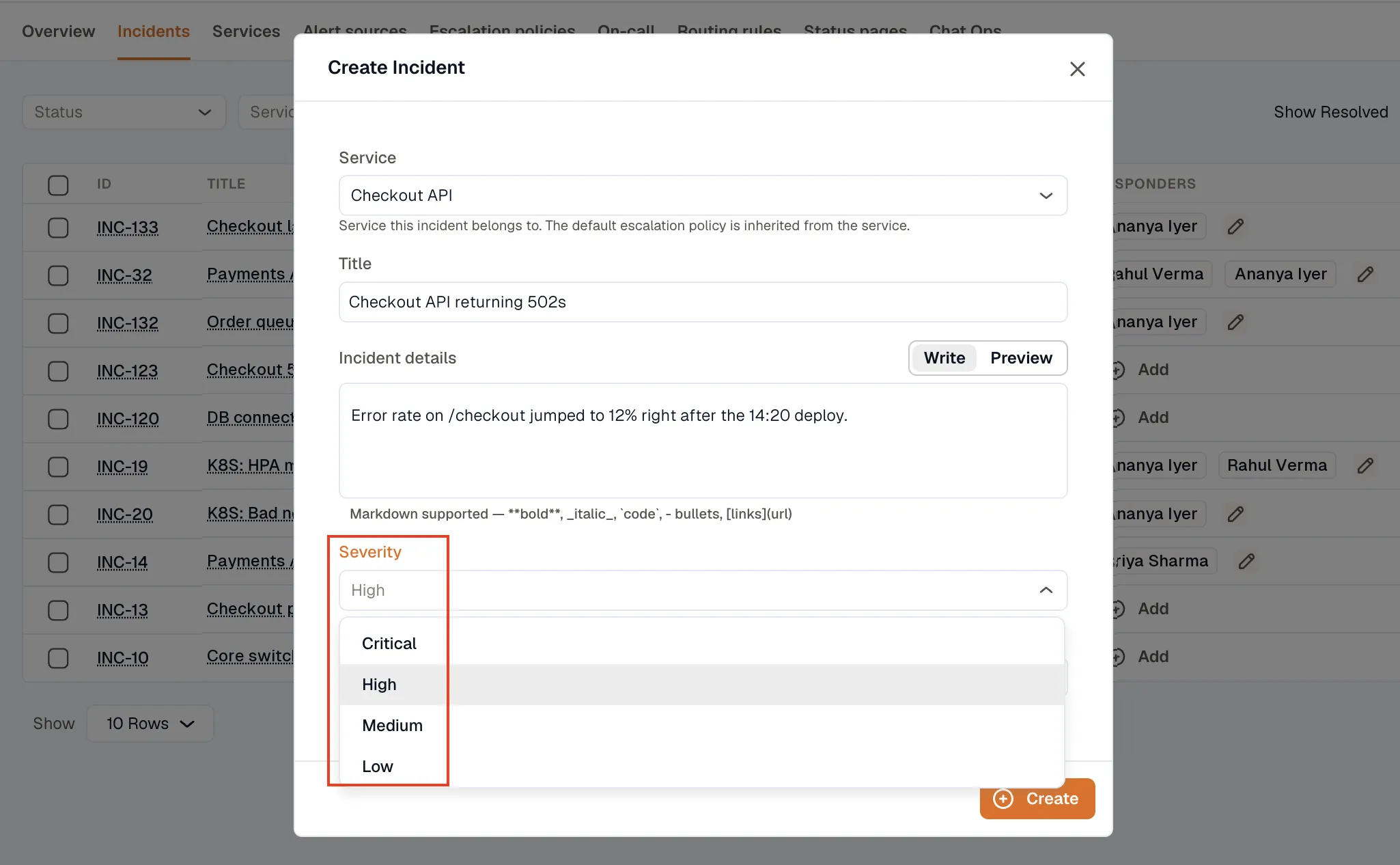
- Select a Severity: Critical, High, Medium, or Low.
- To override the service’s default escalation policy, select a policy in Escalation policy (optional).
- Click Create.