Dashboard Report
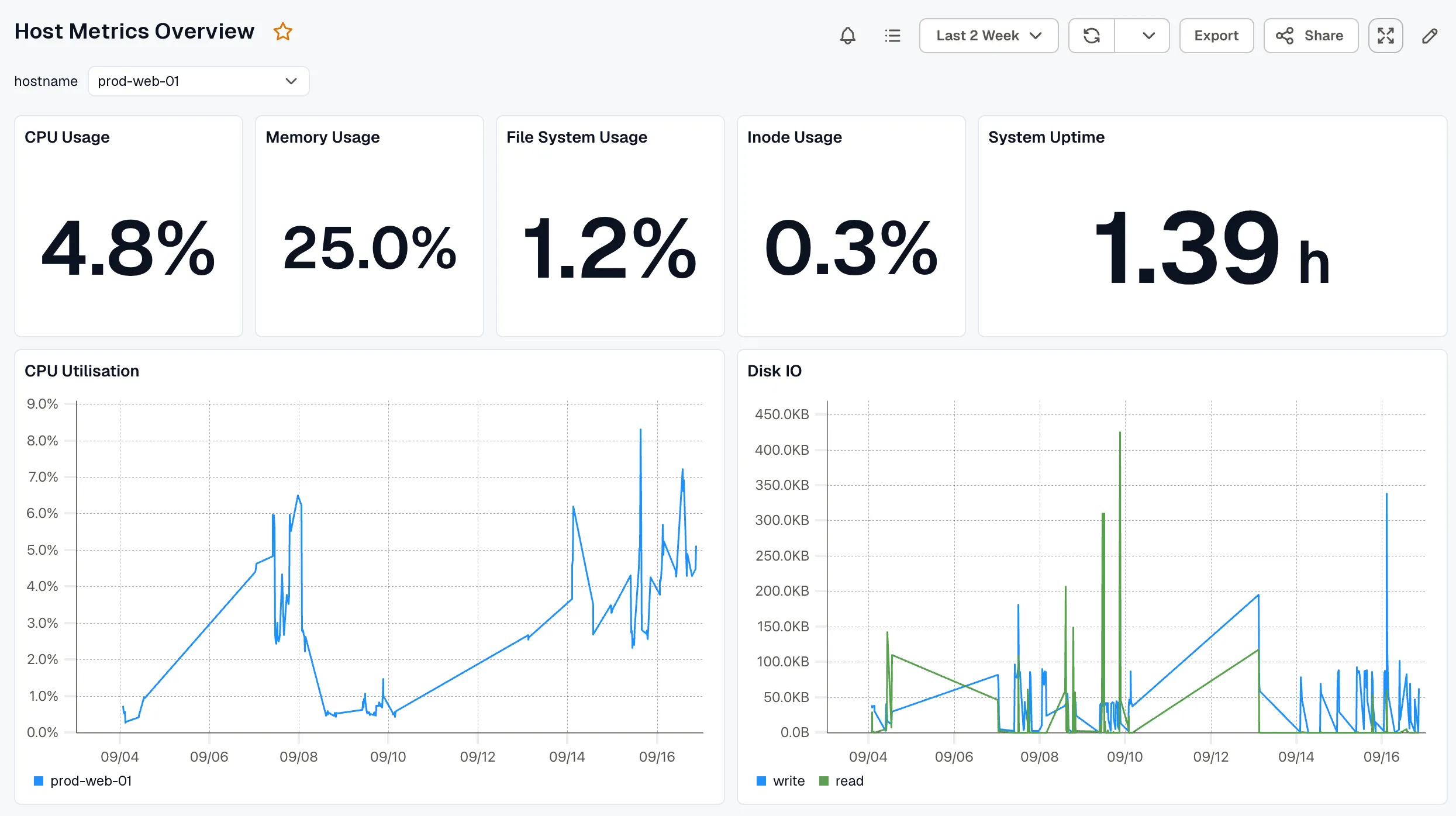
A Dashboards report emails PDF snapshots of one or more dashboards on a schedule. Each PDF shows the dashboard over the report’s period, with the variable values you set when you created the report.
What each run produces
Section titled “What each run produces”Each run produces one PDF per dashboard. If you selected Attach table panels as XLSX, each dashboard also gets an XLSX file with a sheet for each table, logs, or spans panel.
The report page
Section titled “The report page”The report page lists the dashboards in the report. Select a dashboard’s name to open it with the report’s variable values applied.

Click Send Report now to send the report right away, with a different period or different recipients if you need them. See Send a report now.
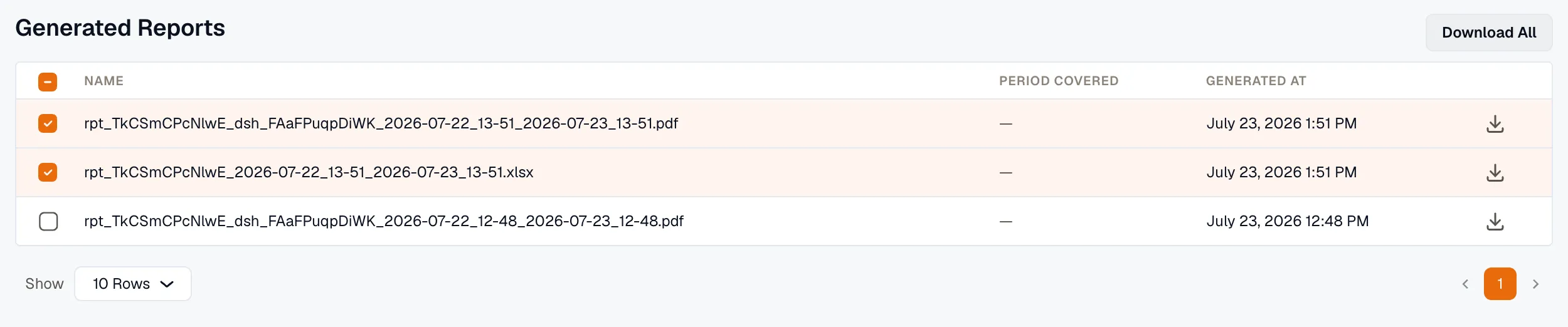
Download past files
Section titled “Download past files”Click View Generated Reports to download files from earlier runs. Each PDF and XLSX file from a run has its own row, and Period Covered shows the dates the file covers. See Download generated reports.