

Create a Dashboard
Creating a dashboard lets you build a personalized view of the metrics that matter most to your application. Start from a pre-built template, build one from scratch with custom queries, or describe what you want and let AI build the first draft.
- From the Dashboards screen, click Create Dashboard.
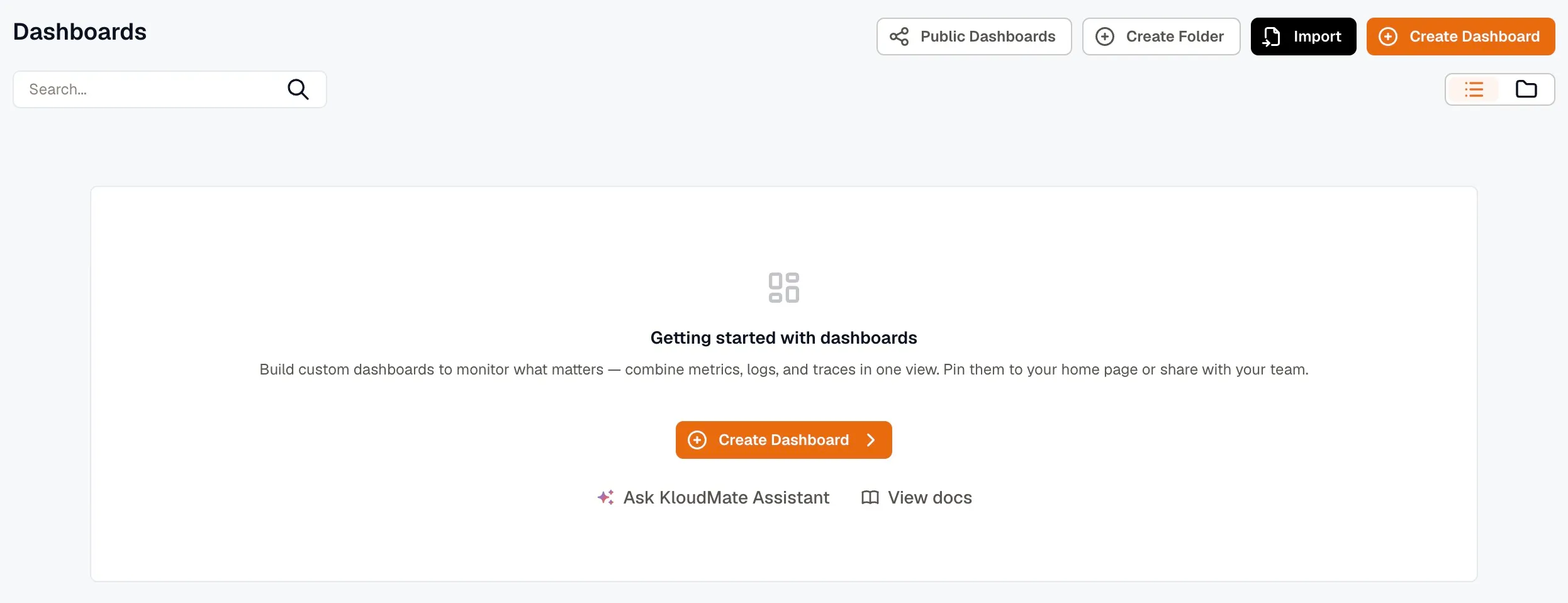
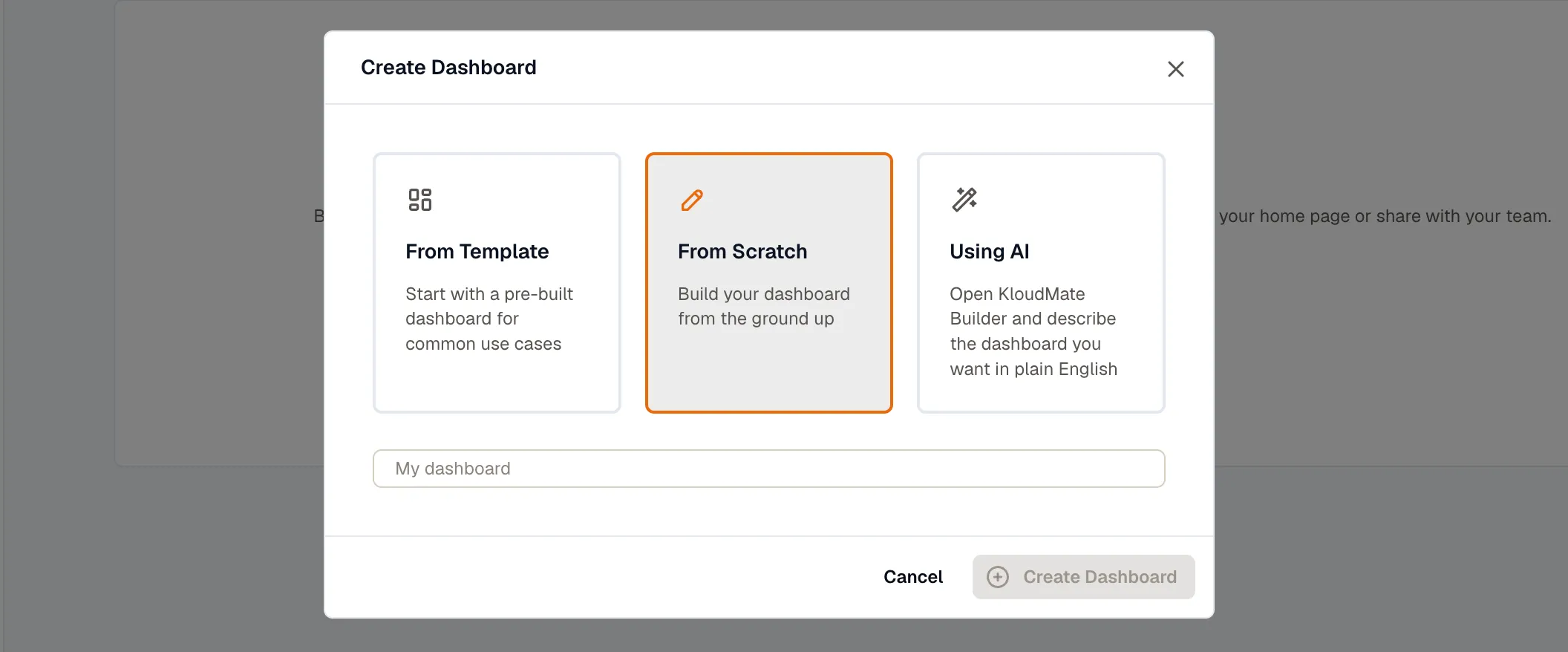
- Choose how you want to create the dashboard: From Template, From Scratch, or Using AI.
From Template
Section titled “From Template”Use a pre-built dashboard for common use cases. This is the fastest way to get started if you’re monitoring a known service, such as a web server, a database, or a Kubernetes cluster.
Select a Template from the dropdown, then select a Datasource and click Create Dashboard.
From Scratch
Section titled “From Scratch”Build a fully custom dashboard. Enter a Dashboard Name and click Create Dashboard. You land on an empty dashboard where you can start adding panels.
Using AI
Section titled “Using AI”Describe the dashboard you want in plain English and let the KloudMate Builder generate the panels for you. For example: “Create a dashboard for checkout performance with latency, error rate, throughput, and recent alert panels.”
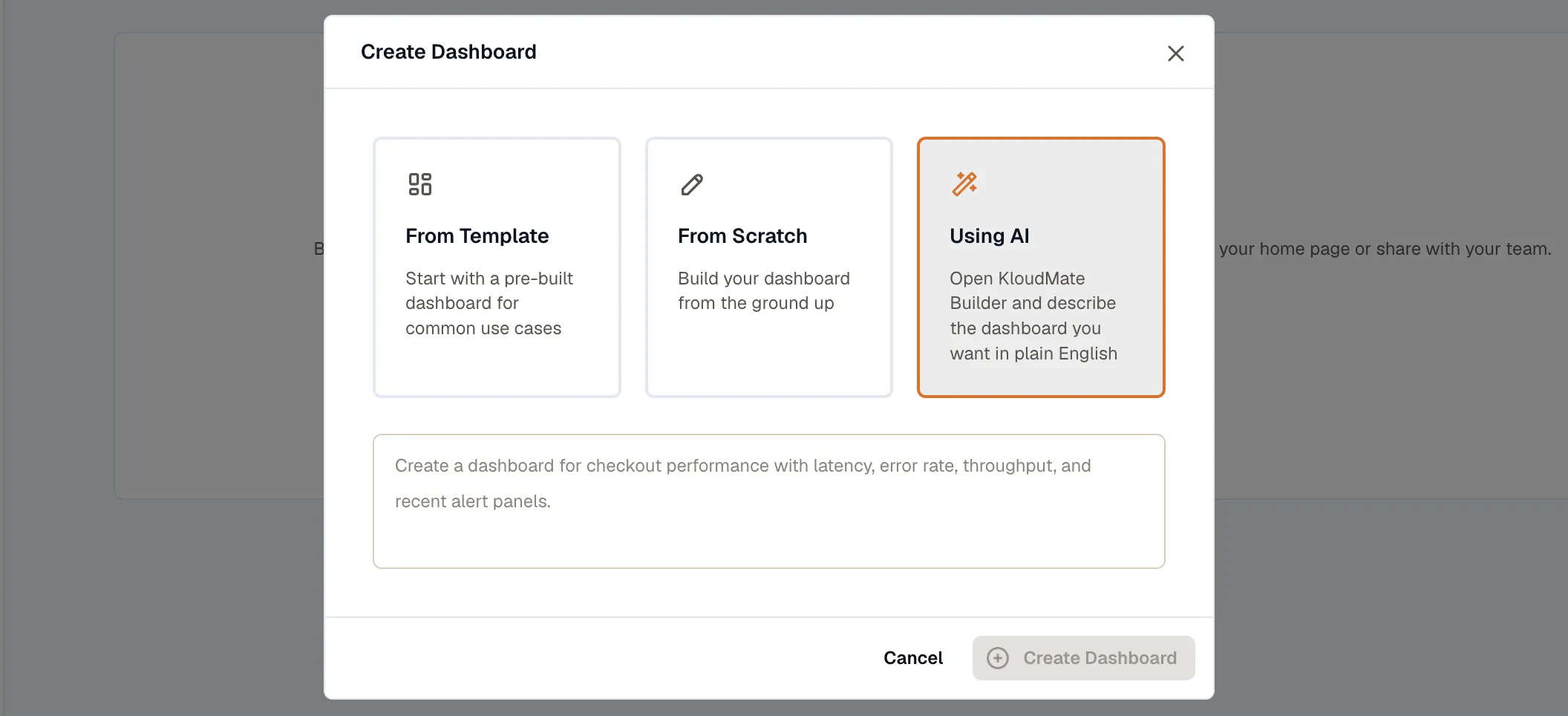
Click Create Dashboard. The KloudMate Builder opens with a dashboard already built from your description, ready to review and adjust.