

Create a Service
Use the steps below to create a new service.
-
Open Incidents → Services and click Create Service.
-
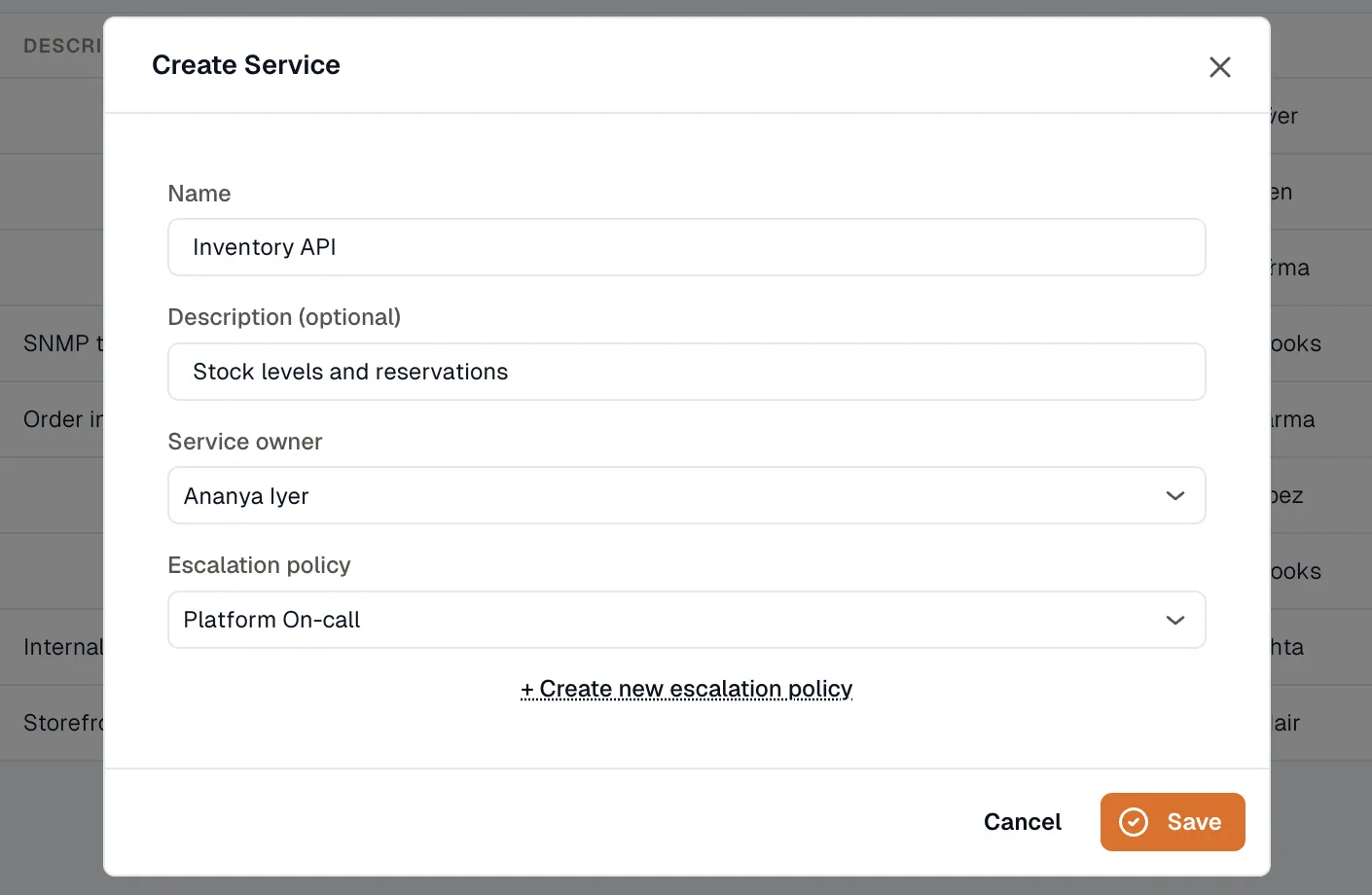
Enter the service name. A description is optional.
-
Select the service owner — a user in your workspace.
-
Select the default escalation policy. Every service requires one. If you don’t have a policy yet, use the Create new escalation policy link in the form to make one without leaving the page.
-
Click Save.
Once the service exists, open it to add alert sources and review its incidents.